
PDF and document tools
Rotate PDF
Turn every page, or only the pages you pick, by 90, 180, or 270 degrees and save the PDF. Free, and your file is processed in your browser.
- Free, no sign-up
- Files are processed in your browser, not uploaded
- Up to 25 MB per file
Loading Rotate PDF…
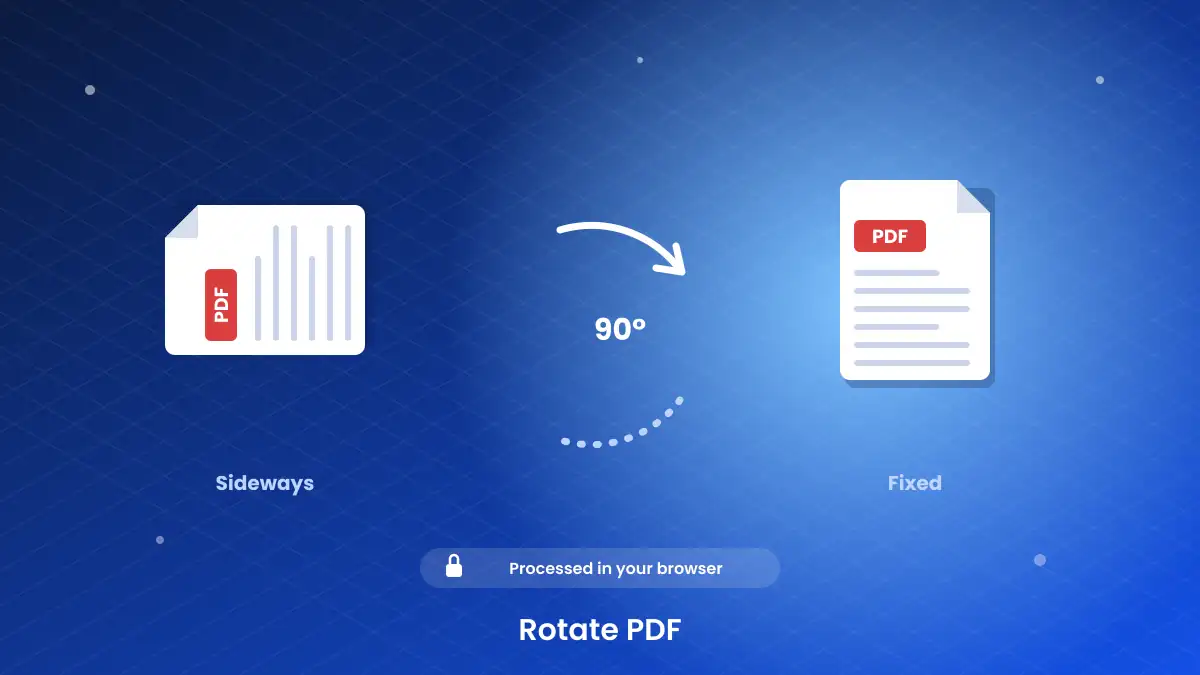
This free Rotate PDF tool fixes pages that open sideways or upside down, which often happens with scanned documents and phone scans. Turn single pages or the whole file, preview the result, and save. Your browser does all the work, so your PDF never leaves your device.
How to rotate a PDF
- Choose your PDF. First, select a file or drop it onto the box. Each page appears as a preview.
- Turn single pages. Use the left and right buttons under a page. The preview turns so you can see the result.
- Or turn several at once. Select pages, then use Selected left or Selected right. With nothing selected, the buttons turn every page.
- Undo if needed. “Undo all” puts every page back the way it was.
- Save. Finally, press Save rotated PDF and download the file.
When you rotate PDF pages, is it permanent?
Yes. The tool saves the new rotation in the PDF, so the pages open the right way in every PDF reader, on every device. It does not redraw the pages themselves, so text stays sharp and selectable, and the file size barely changes.
Rotate PDF limits and supported files
The tool takes one PDF at a time, up to 25 MB and 100 pages. However, you need to remove any password protection first. It never changes your original file; instead, you download a new copy made with the open-source pdf-lib library.
Frequently asked questions
Why does a page still look sideways after I rotate it?
Some scans store the page content sideways inside a page that is already rotated. Turn the page again in the direction you need and check the preview before saving.
Can I rotate PDF pages one at a time?
Yes. Use the buttons under those pages, or select them and use Selected left or right.
Can I also remove or reorder pages?
Use Split PDF to take pages out, and Merge PDF to put files together in a new order.