
PDF Tools
Free PDF and Document Tools Online
Merge, split, compress, rotate and convert PDFs and images without an account or any software to install. Your files are processed in your own browser, so they are never uploaded.
- 6 tools
- Free, no sign-up
- Files stay on your device
Merge PDF
Combine several PDFs into one file and choose the page order. Files never leave your browser.
Split PDF
Extract pages or split a PDF into several files by range, single pages or equal parts.
Compress PDF
Shrink a PDF by re-compressing its photos and scans, and see the size before and after.
JPG to PDF
Turn JPG and PNG images into one PDF. Reorder and rotate them, and set the page size and margins.
PDF to JPG
Save PDF pages as JPG or PNG images at the resolution you choose, one page or all of them.
Rotate PDF
Turn every page, or only the pages you pick, by 90, 180 or 270 degrees and save the PDF.
No tool matches that search. Try “merge”, “split”, “compress”, “rotate”, “JPG” or “image”.
Limits: up to 25 MB and 100 pages per PDF. Large files depend on your device’s memory.
These free PDF tools cover the jobs people do most often with documents: putting files together, taking pages out, making a file smaller, fixing sideways pages, and switching between PDFs and images. They work on phones, tablets, and computers, with no account and nothing to install.
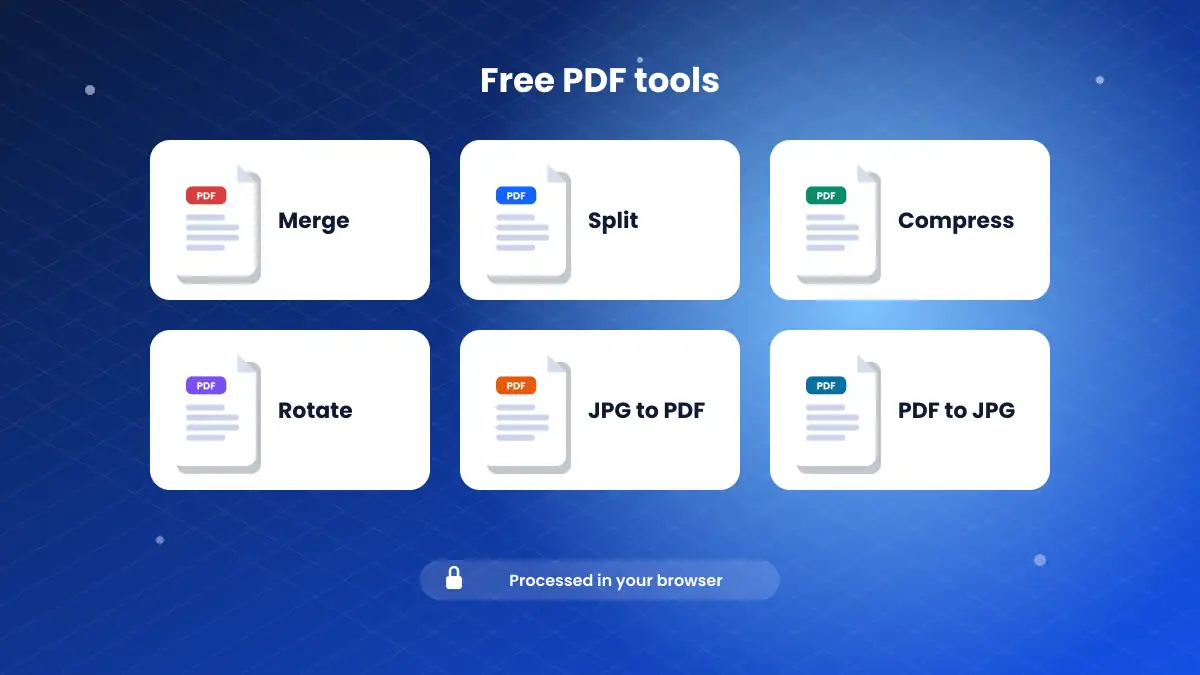
Free PDF tools that keep your files on your device
Most online PDF sites upload your file to their servers, process it there, and send it back. These tools work differently. When you choose a file, your browser reads it and does the work itself, using open-source libraries such as PDF.js and pdf-lib that load with the page. The tools never upload the file to DigiLifeGuide or to anyone else, and it is gone when you close the tab.
That makes the tools a good fit for documents you would rather not hand to a stranger’s server, such as bank statements, contracts, and ID scans. Keeping the work in your browser removes the upload step, but it does not protect against problems on the device itself, such as malware or a shared computer. Use a device you trust for sensitive files.
Which of the free PDF tools do I need?
- Several PDFs need to become one file: use Merge PDF.
- You only need some pages, or want a long file in parts: use Split PDF.
- The file is too big to email or upload: use Compress PDF.
- Pages appear sideways or upside down: use Rotate PDF.
- You have photos of receipts or documents and need one PDF: use JPG to PDF.
- You need a page as a picture for a slide, chat, or website: use PDF to JPG.
Limits
Each PDF can be up to 25 MB and 100 pages, and you can add up to 20 files at a time. Because the work happens on your device, very large files depend on how much memory your phone or computer has. If a big job is slow on a phone, try it on a computer.
The tools cannot open password-protected PDFs, so remove the protection in the app that created the file first. You need the password to do that.
More free PDF tools are on the way
Word to PDF, PDF to Word, and the other office conversions need a conversion server to work reliably, so they are not part of this first set. Until then, our guide on how to convert PDF to Word shows free ways to do it. In the meantime, our payment tools include calculators for processing fees, chargebacks, and settlement.