
PDF and document tools
Compress PDF
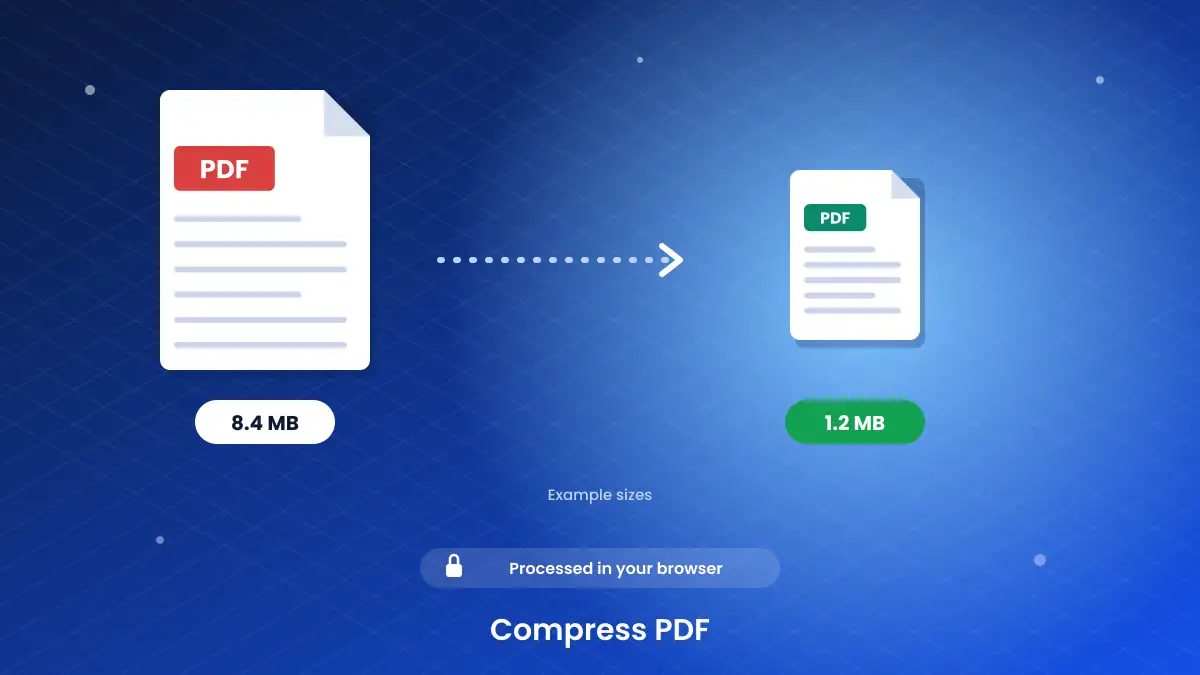
Make a PDF smaller by re-compressing its photos and scans, and see the size before and after. Free, and your file is processed in your browser.
- Free, no sign-up
- Files are processed in your browser, not uploaded
- Up to 25 MB per file
Loading Compress PDF…
This free Compress PDF tool reduces the file size of PDFs that contain photos or scanned pages. It re-saves those images at a lower quality and scales down very large ones, while leaving text and drawings untouched. You see the size before and after, and your file never leaves your browser.
How to compress a PDF
- Choose your PDF. First, select a file or drop it onto the box.
- Pick a level. Light keeps the best quality, Recommended balances quality and size, and Strong gives the smallest file.
- Compress. Next, press Compress PDF. The tool shows its progress image by image.
- Check the result. The tool shows the original size, the new size, and how many images it re-compressed.
- Download and review. Finally, open the new file and check that photos and scans are still clear enough for your use.
What gets smaller when you compress PDF files
Photos and scans usually make up most of a PDF’s size, so that is where this tool saves space. Meanwhile, the tool leaves text, fonts, vector drawings, and links exactly as they are, so text stays sharp, and you can still select and search it.
On the other hand, a PDF that is mostly text is often already small. If the tool cannot make your file meaningfully smaller, it tells you so and does not offer a larger or identical file. It also leaves some image types alone, such as CMYK print images and black-and-white fax-style scans, because re-compressing them in the browser could change how they look.
Choosing a level to compress PDF files
- Light: images up to 3,000 pixels on the long side, high JPG quality. Good for documents you may print.
- Recommended: images up to 2,000 pixels, medium quality. Good for email and online forms.
- Strong: images up to 1,300 pixels, lower quality. Use it when an upload limit is strict, and check the result carefully, because photos can look soft or blocky.
Compress PDF limits and supported files
The tool takes one PDF at a time, up to 25 MB and 100 pages. However, you need to remove any password protection first. It reads the file with the open-source PDF.js and pdf-lib libraries. Compression runs on your device, so a large scanned file may take a little longer on a phone.
Frequently asked questions
Why is my PDF not getting much smaller?
Most likely it has few images, or its images are already compressed. Try the Strong level. If the PDF was made from scans at very high resolution, Strong usually helps most. For other options, such as saving from Word or splitting the file, see how to make a PDF smaller.
Will the text still be searchable?
Yes. The tool does not change the text. It only re-saves the pictures inside the file.
Is compression reversible?
No. Nothing can restore lower-quality images, so keep your original file.