How POS transactions work in Nigeria looks simple from the outside. You insert or tap your card, enter your PIN, and the terminal prints a receipt. Behind that receipt, however, your request travels through several companies in a few seconds. This guide explains each step in plain English. You will also learn why POS transactions fail, what happens to your money when they do, and which 2026 CBN rules now apply to every terminal in the country.
Quick answer: A POS transaction happens when you pay with a card or phone on a merchant’s terminal. The terminal sends your request through a terminal aggregator (NIBSS or UPSL) and a processor to your card network and your bank. Your bank approves or declines it in seconds. Later, settlement moves the money into the merchant’s account.
In this guide
- What is a POS transaction?
- Who is involved in POS transactions in Nigeria?
- How POS transactions work, step by step
- Card payments vs transfers at POS agents
- Example: a ₦10,000 POS payment
- Why POS transactions fail
- CBN rules for POS transactions in 2026
- How to keep your POS transactions safe
- Frequently asked questions
- Key takeaways
What is a POS transaction?
First, POS stands for point of sale. In other words, it is the place where a customer pays for goods or services. In Nigeria, the term usually means the small handheld terminal you see in supermarkets, filling stations, pharmacies, and roadside agent kiosks.
So, a POS transaction is any payment or cash-out request made on that terminal. Most POS transactions in Nigeria use a debit card. However, many terminals now also accept contactless cards, phones, and bank transfers.
Overall, there are two common types:
- Purchases: you pay a shop, restaurant or fuel station for what you bought.
- Cash-out at an agent: you use your card on an agent’s terminal, and the agent gives you cash in return.
Both types follow the same basic path, which we explain below.
Who is involved in POS transactions in Nigeria?
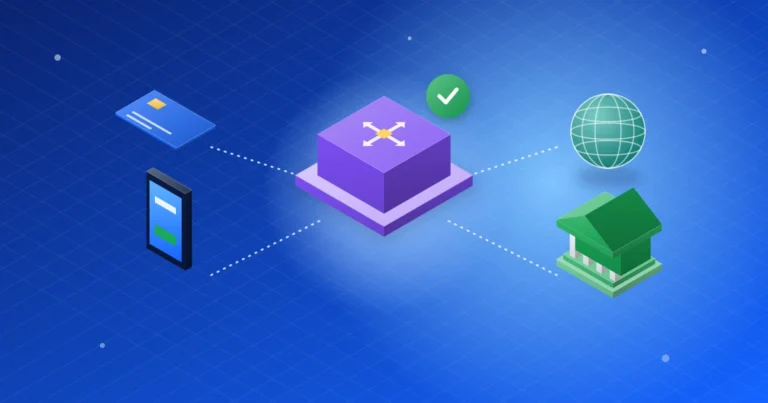
In fact, several organisations handle a single payment, and each one has a clear job. The table below shows the main players.
| Player | What it does | Examples |
|---|---|---|
| Customer (cardholder) | Pays with a card or phone | You |
| Merchant or agent | Accepts the payment for goods, services, or cash | Supermarkets, POS agents |
| Terminal provider (PTSP) | Supplies, sets up and supports the terminal | Licensed terminal service companies |
| Terminal aggregator (PTSA) | Connects terminals and routes their requests | NIBSS, Unified Payment Services (UPSL) |
| Processor or switch | Passes the request to the right card network | Interswitch, NIBSS, UPSL |
| Card scheme | Runs the card network and its rules | Verve, Mastercard, Visa, AfriGo |
| Issuing bank | Gives you the card and holds your money | Your bank |
| Acquiring bank | Holds the merchant’s account and receives the money | The merchant’s bank |
| Regulator | Sets and enforces the rules | Central Bank of Nigeria (CBN) |
AfriGo is the newest name on that list. The CBN and NIBSS launched it in January 2023 as Nigeria’s national domestic card scheme.
How POS transactions work, step by step
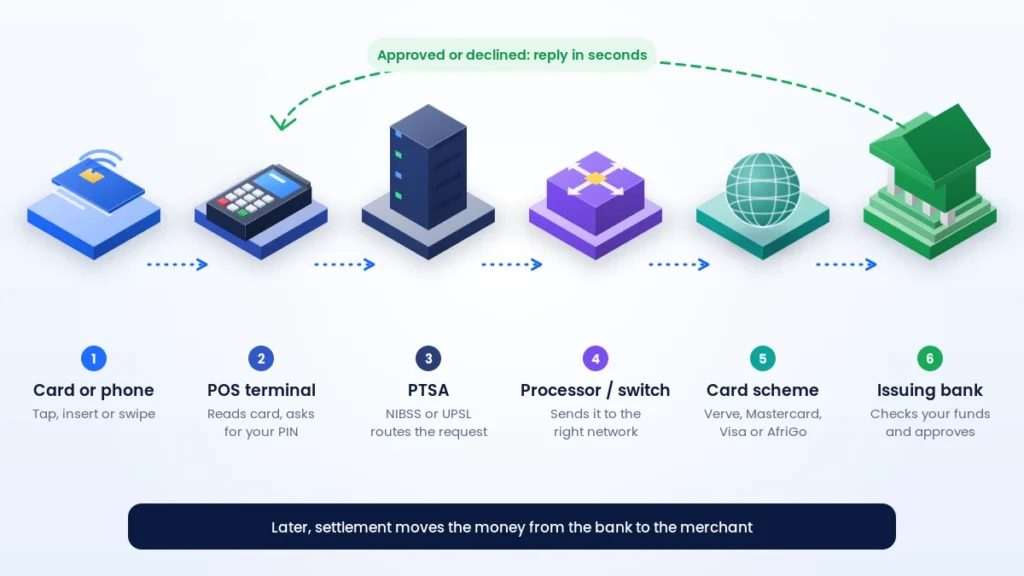
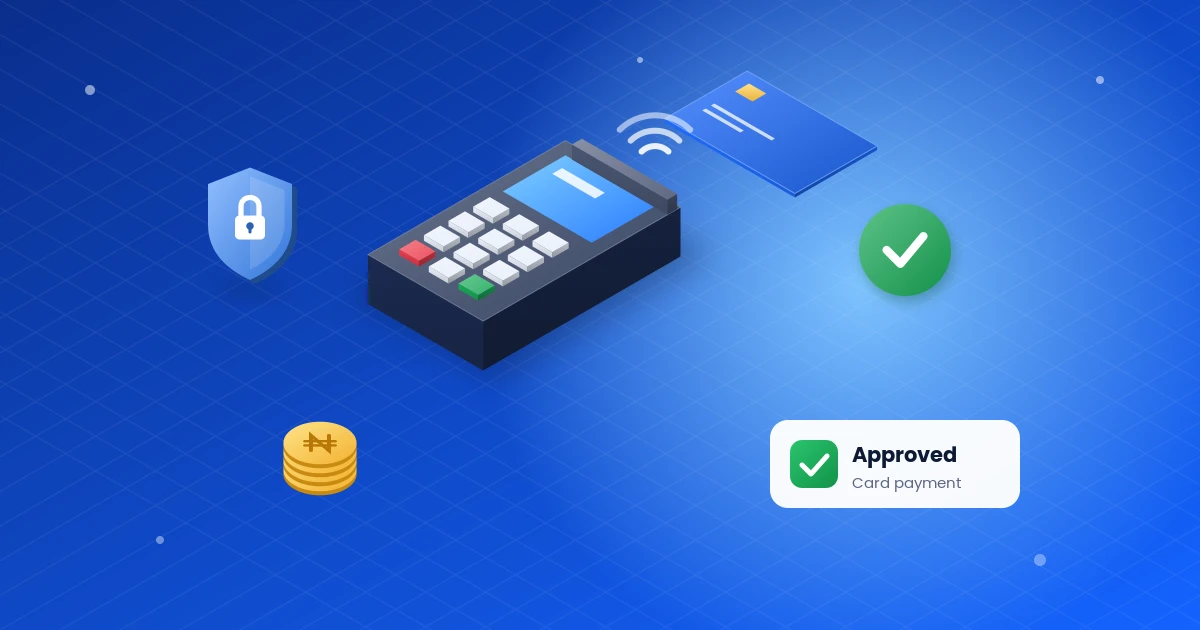
Here is what happens, step by step, from the moment you hand over your card:
- You present your card or phone. You insert the chip card, tap it, or swipe it on an older terminal.
- Next, the terminal captures the details. It reads the card data and asks for your PIN. Before sending anything, the device encrypts your PIN.
- Then the request goes to the aggregator. Your terminal sends an authorisation request to its PTSA, which is either NIBSS or UPSL.
- After that, the processor routes it. Using the card number, the switch identifies your card network and forwards the request.
- Your bank decides. Your issuing bank checks your PIN, balance, card status, and limits. Then it approves or declines the request.
- Next, the answer travels back. It returns along the same path to the terminal, usually within seconds.
- Finally, the terminal confirms. You see “Approved” or “Declined”, and the terminal prints a receipt.
- Settlement follows. Afterwards, the money moves from your bank to the merchant’s bank. Some providers credit agents almost instantly, while others pay merchants in batches.
In short, POS transactions have two separate stages. Authorisation answers one question: can this card pay right now? Settlement answers another: when does the merchant actually get the money? This difference explains many of the problems people see, as you will learn below.
Card payments vs transfers at POS agents
Many agents also let you pay by bank transfer instead of a card. With a transfer, you send money from your banking app to the agent’s account. The agent then waits for a credit alert before handing you cash.
A card payment, by contrast, follows the network path above. So, the two methods fail in different ways:
- Card: the terminal shows the result immediately, and your bank handles any reversal.
- Transfer: the result depends on the agent’s account receiving the credit, which can sometimes take a few minutes.
Either way, wait for clear confirmation before you leave the agent.
Example: a ₦10,000 POS payment
For example, imagine Amaka buys groceries worth ₦10,000 at a supermarket in Ibadan. Here is how the payment plays out:
- The cashier enters ₦10,000 on the terminal, and Amaka inserts her Verve card.
- Next, she enters her PIN on the keypad.
- Then the terminal sends the request through the PTSA and the processor to Verve, and then to her bank to seek authorization to debit the amount.
- Because there is enough money in her account, her bank approves the payment.
- After that, the terminal prints “Approved”, and Amaka gets a debit alert on her phone a moment later.
- Over the next settlement cycle, the supermarket’s bank receives the ₦10,000, minus a merchant service charge.
Notice that Amaka pays exactly ₦10,000. The supermarket pays the merchant service charge, not the customer. POS agents work differently because they usually add their own fee for cash-out. Always ask about the charge before you pay.
Why POS transactions fail
Failed POS transactions are common, but most have simple causes:
- Insufficient funds: your balance is lower than the amount.
- Wrong PIN: several wrong attempts can also block your card.
- Network problems: the terminal loses mobile data or Wi-Fi in the middle of a request.
- Downtime: one company in the chain does not respond in time, so the request times out.
- Card problems: the card has expired, or your bank has blocked it.
- Limits: you have reached a daily or weekly limit on your account.
- Location checks: under the CBN geo-fencing rule, providers can disable a terminal that operates away from its registered address.
What if your bank debits you for failed POS transactions?
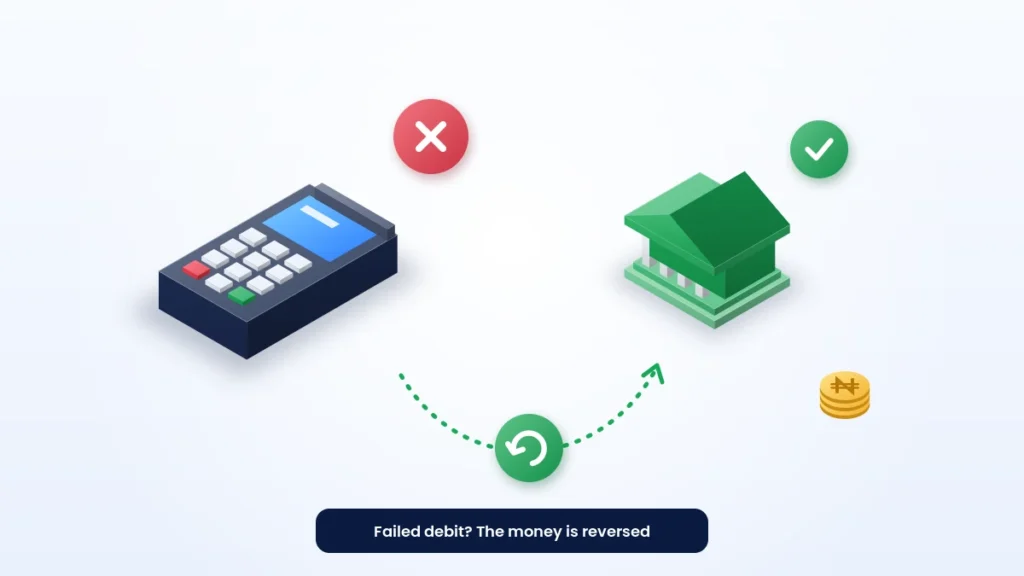
Sometimes your bank debits you even though the terminal shows “Declined” or times out. In most cases, the system reverses the debit automatically. If it does not, take these steps:
- First, keep the receipt, or take a photo of the screen.
- Do not repeat the payment until you check your balance.
- Then contact your bank with the date, time, amount, and terminal details.
- If you used an agent, also report it to the agent’s bank or fintech.
You also have regulatory support. In 2020, the CBN directed banks to resolve failed POS and web transactions within 72 hours. Its newer agent banking rules also require providers to settle customer complaints within 7 working days. If your bank still does not help, you can escalate the matter to the Central Bank of Nigeria.
CBN rules for POS transactions in 2026
The CBN has tightened the rules for POS transactions to reduce fraud. As of October 2026, these are the points that matter most to customers and agents:
| Rule | What it means for you |
|---|---|
| ₦100,000 daily cash-out per customer at agents | You cannot withdraw more than this from agents in one day |
| ₦1.2 million daily cash-out per agent | Busy agents may run out of cash earlier in the day |
| ₦500,000 weekly cash limit for individuals | It covers ATMs, POS and bank counters; a 3% fee applies to any excess from 1 January 2026 |
| Geo-fencing within 70 metres | Each terminal must stay close to its registered location from 1 August 2026 |
| PTSA routing | Every terminal must connect through NIBSS or UPSL |
| One principal per agent | Each agent can work with only one bank, fintech or super-agent |
These figures come from the CBN’s agent banking framework, its December 2025 cash withdrawal circular, and its May 2026 geo-fencing update. Rules can change, so check the latest CBN notices before large withdrawals.
How to keep your POS transactions safe
Above all, a few habits protect you every time you pay:
- First, cover the keypad when you enter your PIN.
- Also, keep your card in sight, and never let anyone take it away from you.
- Then check the amount on the screen before you enter your PIN.
- Wait for your debit alert before you leave an agent.
- Turn on SMS or app alerts for every card payment.
- Never share your PIN or OTP, even with someone who claims to work for your bank.
For more ways to protect your money, read our cybersecurity guides.
Frequently asked questions
How long do POS transactions take?
Authorisation usually takes a few seconds. However, settlement to the merchant takes longer, and the timing depends on the provider.
Can I use any bank’s card on any POS terminal?
Yes, in most cases. Terminals connect to the national switching network, so your card works on another bank’s terminal if that terminal supports your card scheme.
Why was I debited twice for one payment?
A double debit usually happens when a request times out and the cashier repeats it. Report it to your bank with your receipts, because the bank should reverse the duplicate.
Do POS agents need a licence?
Yes. Agents operate under a principal, such as a bank, a mobile money operator, or a licensed super-agent. Since April 2026, each agent can work with only one principal.
Is it safe to tap my card on a POS terminal?
Yes. Contactless cards use the same chip technology as inserted cards, and they create a one-time code for each payment. Still, keep your card in sight and check the amount before you tap.
What is the difference between a PTSP and a PTSA?
A PTSP supplies and supports terminals for merchants. In contrast, a PTSA connects those terminals to the payment network and routes their requests. In Nigeria, NIBSS and UPSL act as PTSAs.
Key takeaways
- POS transactions pass through a terminal, an aggregator, a processor, a card scheme, and your bank in seconds.
- Approval and settlement are two separate steps, so a debit alert is not the end of the process.
- Most failed debits reverse automatically; if not, report them with your receipt.
- 2026 CBN rules cap agent cash-outs and require geo-fenced terminals.
- Protect your PIN, and wait for confirmation before you leave.
Shopping online instead? Read our guide to what a payment gateway is, or browse more digital payments guides.