If you have not linked your SIM to your National Identification Number (NIN), your network can bar it from making calls. In Nigeria, every active line needs a verified NIN, and networks have barred millions of lines that missed this step. The good news is that you can link NIN to SIM in a few minutes with a free USSD code. This guide shows how to link NIN to SIM on MTN, Airtel, Glo, and T2, how to check your status, and what to do if your network bars your line.
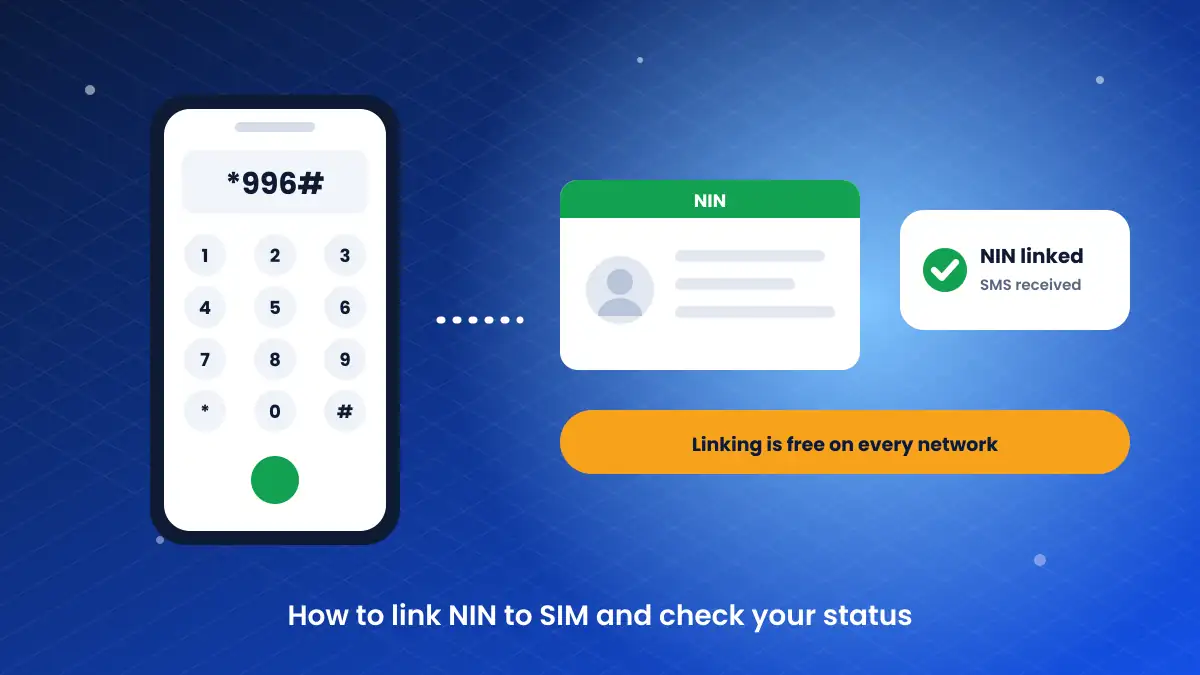
Quick answer: To link NIN to SIM, dial *996# from the line you want to link and follow the prompts, which the NCC says works on all networks. You can also use your network’s own channel: *785# on MTN, *121*1# on Airtel, or text “UPDATENIN NIN FirstName LastName” to 109 on Glo. Linking is free. If you do not know your NIN, dial *346# from the phone number you used when you enrolled with NIMC.
In this guide
- Why you need to link NIN to SIM
- What you need before you start
- How to find your NIN
- How to link NIN to SIM: codes for every network
- How to link NIN to SIM step by step
- How to check if your NIN is linked
- What to do if your SIM is barred
- Stay safe while linking your NIN
- Frequently asked questions
- Key takeaways on how to link NIN to SIM
Why you need to link NIN to SIM
The Nigerian Communications Commission (NCC) requires every SIM owner to link their line to their NIN. The aim is to make sure each line belongs to a real, verified person, which helps fight fraud and other crimes.
The rule has teeth. In July 2024, operators blocked “millions of lines” whose owners had not completed NIN verification by the NCC’s deadline, Nairametrics reported. Earlier that year, the NCC said there was “no deadline” for the linkage scheme itself, but warned that networks would bar lines without a valid NIN, according to Technology Times.
In addition, a linked SIM protects you. For example, networks must check your NIN before they replace your SIM, which makes SIM swap fraud harder.
What you need before you start
- Your NIN. This is the 11-digit number on your NIN slip or card.
- The SIM you want to link. Use the phone with that line inside, because most codes work only from the line itself.
- Matching details. The name on your SIM registration should match your NIMC record. If not, the link may fail.
If you do not have a NIN yet, you need to enrol at a NIMC enrolment centre first.
How to find your NIN
If you have lost your NIN slip, you can retrieve the number by USSD. According to the NCC’s SIM-NIN linkage FAQ:
- Use the right phone. First, take the phone number you gave NIMC when you enrolled.
- Dial *346#. Then follow the prompts to retrieve your NIN.
- Save it. Finally, write the number down somewhere safe, and do not share it with strangers.
If you keep getting an error, contact your network’s customer care line.
How to link NIN to SIM: codes for every network
The NCC lists these free channels on its FAQ page:
| Network | How to link | Notes |
|---|---|---|
| All networks | Dial *996# and follow the prompts, or dial *996*NIN# | The NCC says this works on all networks |
| MTN | Dial *785#, enter your NIN, and submit | Or dial *785*NIN# |
| Airtel | Dial *121*1#, then choose option 1 for NIN capture | Wait for the confirmation message |
| Glo | Text “UPDATENIN NIN FirstName LastName” to 109 | Replace the words with your NIN and name |
| T2 (formerly 9mobile) | Use the network’s online NIN portal | Check the current link on T2’s website |
Replace “NIN” in each code with your actual 11-digit number. For example, on MTN, you would dial *785* followed by your NIN and #.
How to link NIN to SIM step by step
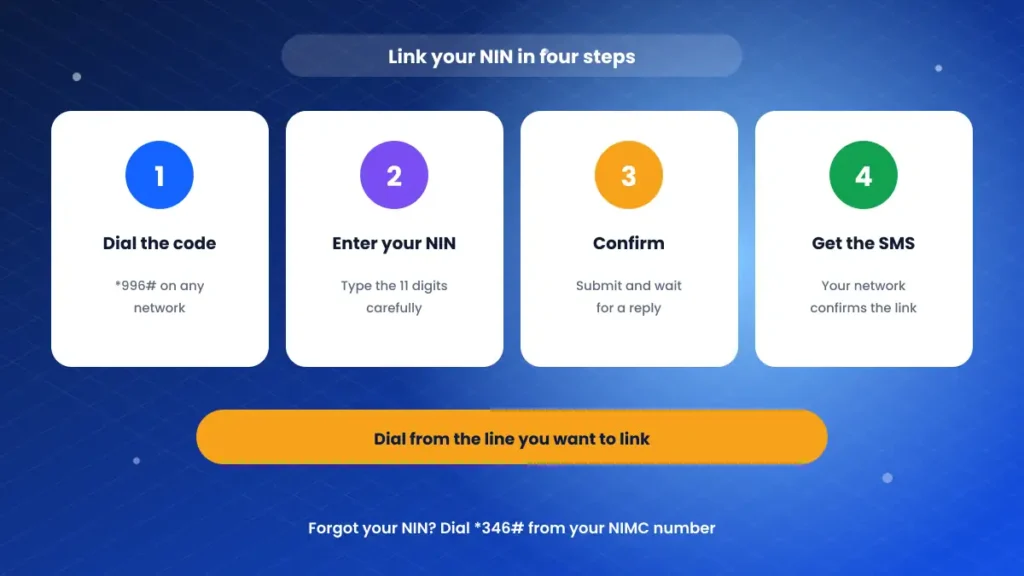
Here is the general process with the *996# code:
- Insert the SIM. Put the SIM you want to link into your phone.
- Dial *996#. Then choose the option to link or submit your NIN.
- Enter your NIN. Type your 11-digit NIN carefully, and check it before you send.
- Confirm. Submit the request, and keep the screen open until you see a response.
- Wait for the message. Your network will send an SMS once it links your NIN, or if it needs more details.
Repeat these steps for every SIM you own, including data-only lines and SIMs in routers or old phones.
How to check if your NIN is linked
The NCC says your network will notify you when it links your SIM. However, you can also check yourself:
- Dial *996#. A March 2026 Legit.ng guide says this code lets you view numbers linked to your NIN.
- On MTN, dial *785#. It can confirm whether your line has your NIN.
- Use your network’s app. Many apps show NIN status on your profile.
- Call customer care. If you hear nothing, ask your network to confirm your status.
It is also worth checking whether your NIN shows any number you do not recognise. If you find one, report it to that network at once, because a criminal may be using your identity.
What to do if your SIM is barred
If your line suddenly cannot make calls and you see a message about NIN, follow these steps:
- Link your NIN. First, try *996# or your network’s code again. Some barred lines can still dial these codes.
- Visit a service centre. If that fails, take your NIN slip and a valid ID to your network’s official office. The NCC advises subscribers with failed verification to visit an outlet to fix it.
- Fix mismatched details. For instance, if someone registered your SIM under a different name or spelling, ask the network to update it to match your NIMC record.
- Check your bank alerts. Meanwhile, make sure your bank still has a working number for alerts and OTPs.
According to the NCC FAQ, networks block only the unlinked lines, not your bank accounts. However, a barred line can stop you from receiving OTPs, so fix it quickly.
Stay safe while linking your NIN
Scammers often use NIN linkage as an excuse to steal details. So follow these rules:
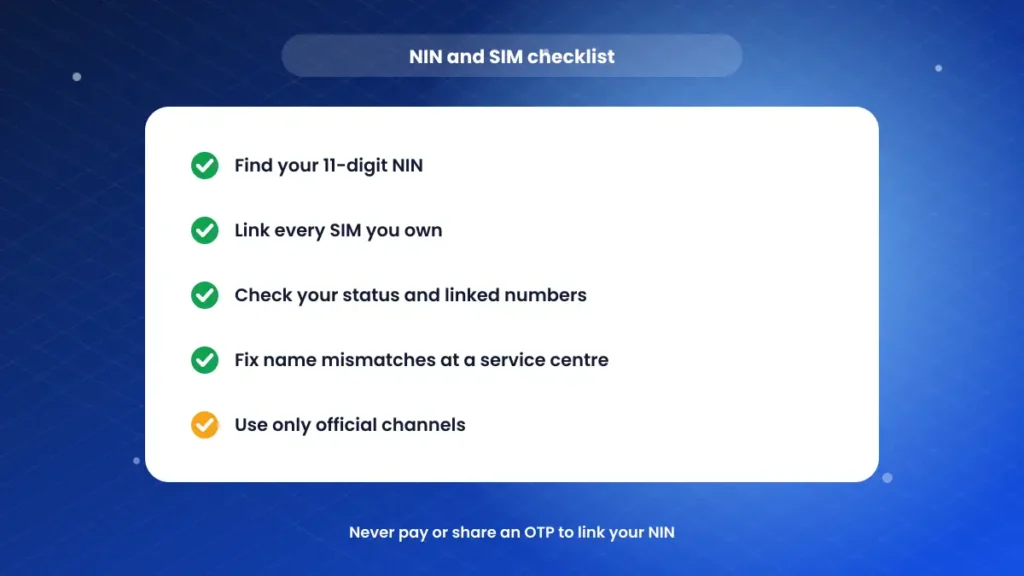
- Use only official channels. The NCC says only links and channels from your network, NIMC, or the NCC are genuine.
- Never pay to link. Linking is free, so ignore anyone who asks for a fee.
- Never share codes. A caller who asks for an OTP “to complete your NIN linkage” is a scammer.
- Ignore suspicious links. Our guide on how to recognise a phishing message explains the warning signs, and you can block spam calls that keep coming back.
Frequently asked questions
Is it free to link NIN to SIM?
Yes. The NCC says linking your SIM to your NIN is free. Ignore anyone who asks you to pay.
How long does it take to link NIN to SIM?
Often a few minutes to a few days. Your network will send an SMS once it verifies the link.
Can I link one NIN to several SIMs?
Yes. You can link your NIN to the lines you own on different networks. However, check that your NIN shows no unknown numbers.
Will my bank block my account if my SIM is not linked?
No. The NCC says networks block only unlinked lines. However, you may miss bank alerts and OTPs if your network bars your line.
What if my NIN link keeps failing?
Usually, the names on your SIM and NIMC records do not match. Visit your network’s service centre with your NIN slip and ID to fix it.
Key takeaways on how to link NIN to SIM
- Every active SIM in Nigeria needs a verified NIN, or your network can bar it.
- Dial *996# on any network, or use *785# on MTN, *121*1# on Airtel, or text 109 on Glo.
- Dial *346# from your NIMC-registered number if you need to find your NIN.
- Check your status and report any unknown number linked to your NIN.
- Linking is free, so never pay or share an OTP with anyone who offers to help.
Want to protect your identity and money? Read what a BVN is and what an eSIM is, or browse all our tech tutorials.