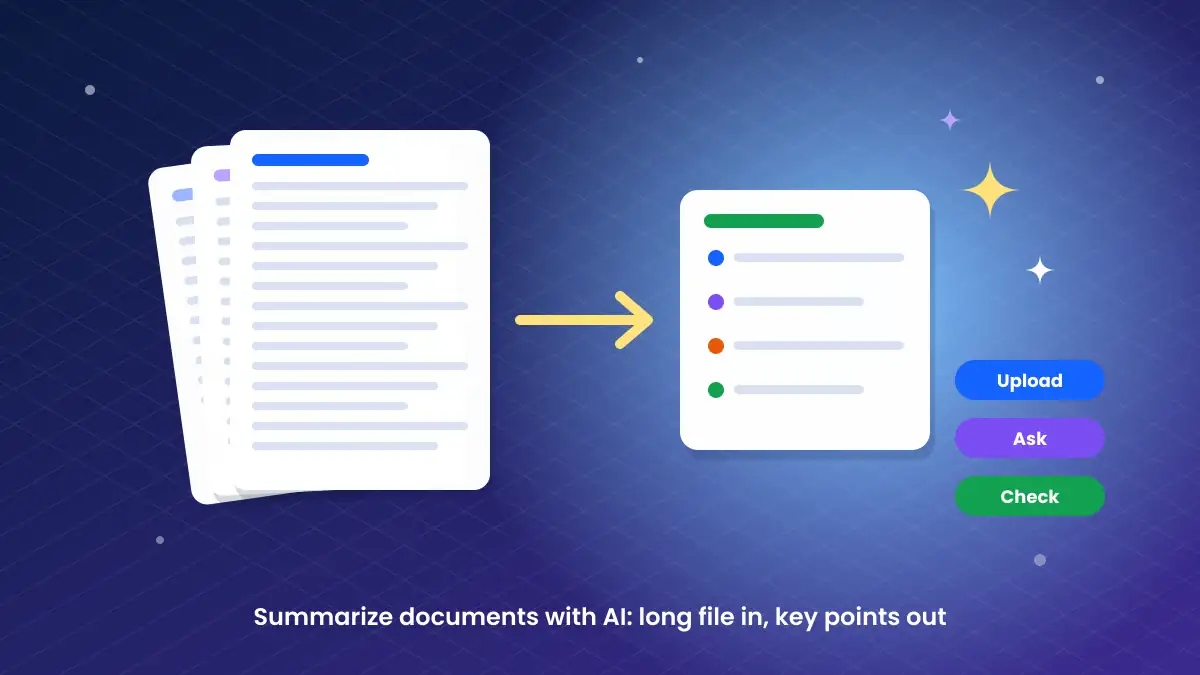
A 60-page report, a long contract, or a new CBN circular can take hours to read properly. You can now summarise documents with AI in a few minutes and then spend your time on the parts that matter. This guide shows how to summarise documents with AI step by step (also spelt “summarize”), which free tools handle long files best, and how to check the summary so you do not miss something important.
Quick answer: To summarise documents with AI, upload the file to a free tool such as ChatGPT, Gemini, Claude, or Gemini Notebook, then ask for a specific kind of summary, for example, “the five key points, with page numbers”. Ask follow-up questions, check every important point against the original, and keep confidential documents out of public AI tools. For very long files, split the PDF into parts first.
In this guide
- Why summarise documents with AI?
- The best free tools to summarise documents with AI
- How to summarise documents with AI, step by step
- Prompts to summarise different documents
- Common mistakes and how to avoid them
- Keep confidential documents safe
- Frequently asked questions
- Key takeaways on how to summarise documents with AI
Why summarise documents with AI?
Reading is still the best way to understand a document. However, AI helps in three common situations:
- You need the main points fast. For example, a manager wants the decisions from a 40-page board pack before a meeting.
- You need to find one thing. For instance, “What does this contract say about termination?” is faster to ask than to search for.
- You need a different version. You can turn a technical report into a one-page brief for your team, or a policy into a simple checklist. You can also turn the summary into slides with our guide on how to create presentations with AI.
In short, AI gives you a first map of the document. You still read the parts that affect your decision.
The best free tools to summarise documents with AI
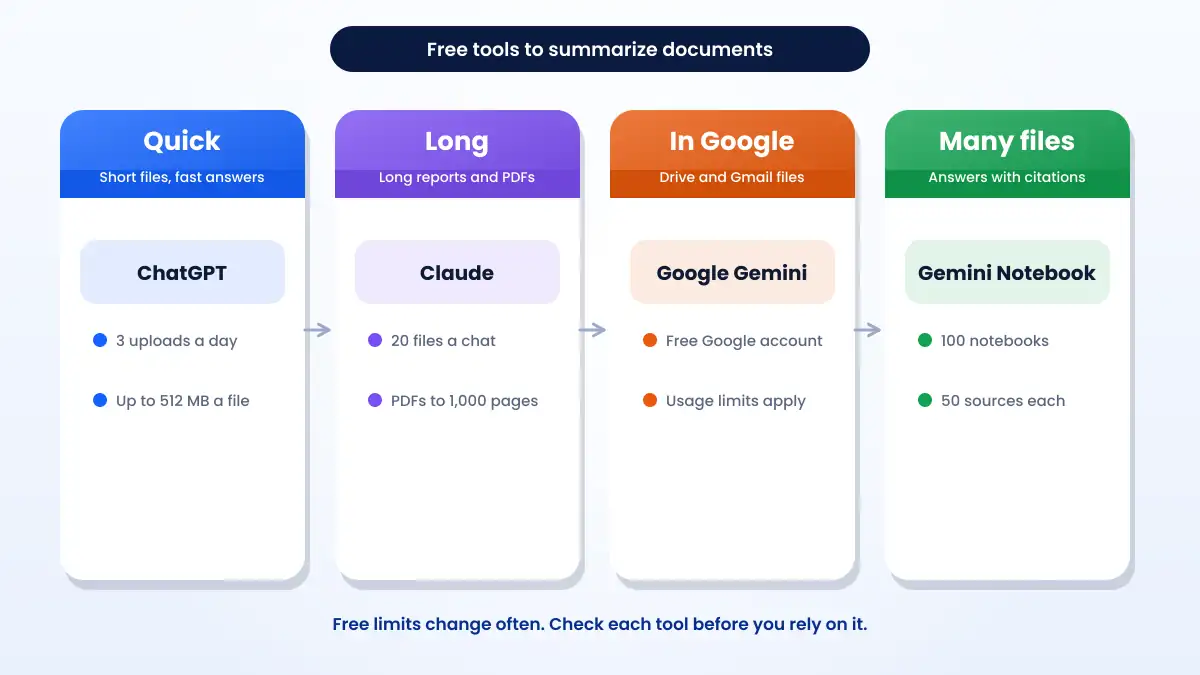
Most popular chatbots can now read uploaded files. Here is how their free plans compare for long documents:
| Tool | Best for | File limits (check your plan) |
|---|---|---|
| ChatGPT | Quick summaries and follow-up questions | 3 file uploads a day; up to 512 MB per file |
| Claude | Long reports and careful summaries | Up to 20 files per chat; PDFs up to 1,000 pages |
| Google Gemini | Files in Google Drive and Gmail | Free with a Google account, within usage limits |
| Gemini Notebook | Many documents on one topic, with citations | 100 notebooks, 50 sources each |
| Microsoft Copilot | Files you already use with Microsoft apps | Free with a Microsoft account |
For example, OpenAI’s file uploads FAQ gives free users three uploads a day, with a 512 MB limit per file. Claude’s upload guide allows up to 20 files per chat and PDFs of up to 1,000 pages. Gemini Notebook, formerly NotebookLM, keeps its answers tied to your sources; its free plan allows 100 notebooks with 50 sources each. Free limits change often, so check each tool before you rely on it.
How to summarise documents with AI, step by step
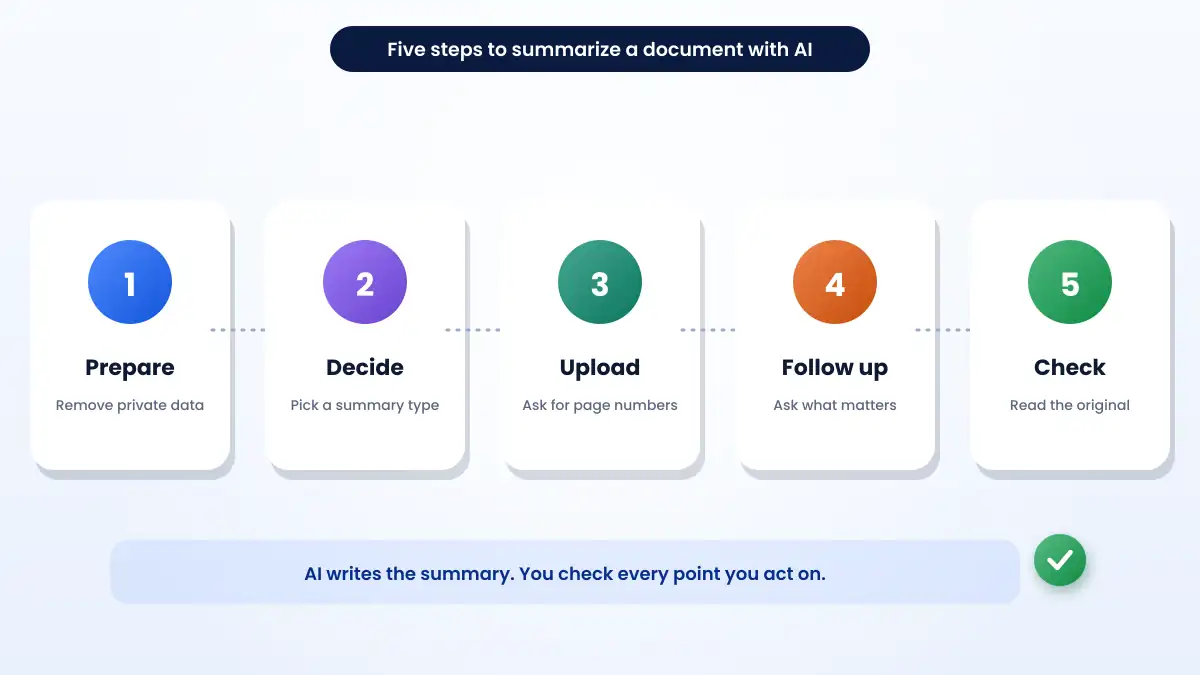
These five steps work for reports, contracts, lecture notes, and policies.
Step 1: Prepare the document
First, check what is in the file. Remove or blank out personal details, account numbers, and anything confidential. If the PDF is very long, split it into sections with our free Split PDF tool, which works in your browser without uploading the file. Also note that scanned pages are pictures of text, so some tools read them poorly. To turn a scan into editable text first, see how to convert PDF to Word with free OCR.
Step 2: Decide what kind of summary you need
A vague request such as “summarise this” gives a vague result. So decide first:
- Key points: the five to ten most important ideas.
- Executive summary: one page for a busy reader.
- Action list: decisions, deadlines, and who must act.
- Plain-English version: the same content in simpler words.
- Specific answer: one question, such as “What are the fees?”
Step 3: Upload the file and use a clear prompt
Next, upload the document and describe the reader, the length, and the format. For example: “Summarise this report for a small business owner in 200 words. List the five key points, then any deadlines. Give the page number for each point.”
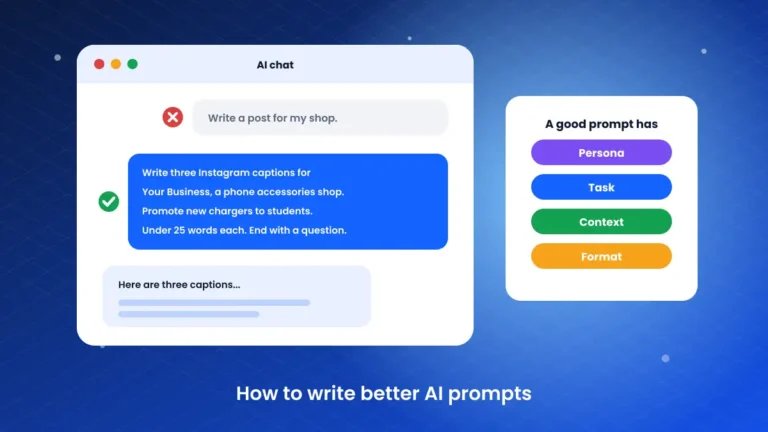
Asking for page numbers is the most useful habit, because it lets you check each point quickly. For more ways to word a request, see our guide on how to write better AI prompts.
Step 4: Ask follow-up questions
A summary is a starting point. So ask about the parts that matter to you: “What risks does the report mention?” “Does the contract allow early termination?” or “Which figures changed since last year?” Gemini Notebook and Claude are especially good at answering with quotes from the document.
Step 5: Check the summary against the original
Finally, open the original and check every point you will act on. Look for missing exceptions, wrong figures, and claims the document does not make. If something is unclear, ask the AI to quote the exact sentence it relied on.
Prompts to summarise different documents
Copy these prompts and adjust the details:
| Document | Prompt to try |
|---|---|
| Report | “Give me the 7 key findings, each with a page number, then the main recommendation.” |
| Contract or agreement | “List my obligations, the fees, the notice period, and the termination terms. Quote each clause.” |
| CBN or government circular | “Explain what this circular changes, who it affects, and the effective date, in plain English.” |
| Meeting notes or transcript | “List the decisions, the action points with owners and deadlines, and any open questions.” |
| Research paper or lecture notes | “Summarise the aim, method, results, and limits in 150 words, then give 5 revision questions.” |
| Long email thread | “Summarise where this discussion stands and what I need to reply to.” |
For contracts, loans, and anything legal, treat the summary as a reading guide only. Have a lawyer or the right professional review the full document before you sign.
Common mistakes and how to avoid them
Even good AI tools get summaries wrong. So watch for these problems:
- Missing exceptions. A summary may say “refunds are allowed” and leave out “within 7 days only”. Always read the conditions yourself.
- Invented details. If a point has no page number or quote, ask for one. If the AI cannot find it, treat it as wrong.
- Ignored tables and charts. Some tools skip figures in tables, so ask about them directly.
- Partly read files. Very long documents may be cut off. Split them, then summarise each part.
- Outdated versions. Make sure you uploaded the latest version of the document.
Keep confidential documents safe
Think before you upload. Do not put customer records, staff files, bank statements, passwords, or confidential contracts into a public AI tool unless your employer has approved it. Where a tool allows it, turn off the setting that uses your chats to train its models. For work documents, ask your IT team which tools are approved. Nigeria’s Data Protection Act 2023 applies whenever a file contains other people’s personal data.
Frequently asked questions
Which free AI tool is best to summarise long PDFs?
Claude handles long PDFs well, and Gemini Notebook is best when you have several documents on one topic. ChatGPT is fine for shorter files within its daily upload limit.
Can AI summarise a scanned document?
Often, yes, but quality varies. Scanned pages are images, so the tool must read the text first. Check the summary carefully, especially names and figures.
Is it safe to summarise documents with AI?
It is safe for ordinary documents. However, avoid uploading confidential or personal data, and check your employer’s rules first.
Can I trust an AI summary of a contract?
Use it to understand the structure and find key clauses, but not as legal advice. Read the important clauses yourself and get professional advice before you sign.
How long a document can AI summarise?
It depends on the tool. Claude accepts PDFs of up to 1,000 pages, and Gemini Notebook accepts sources of up to 500,000 words. For anything longer, split the file first.
Key takeaways on how to summarise documents with AI
- Decide what kind of summary you need before you upload the file.
- Use ChatGPT for quick summaries, Claude for long reports, and Gemini Notebook for many sources.
- Ask for page numbers or quotes, then check every important point against the original.
- Keep confidential and personal data out of public AI tools.
Want more? Read our guides on AI for business research, the best free AI tools for Nigerian students, or browse all our AI and productivity guides.