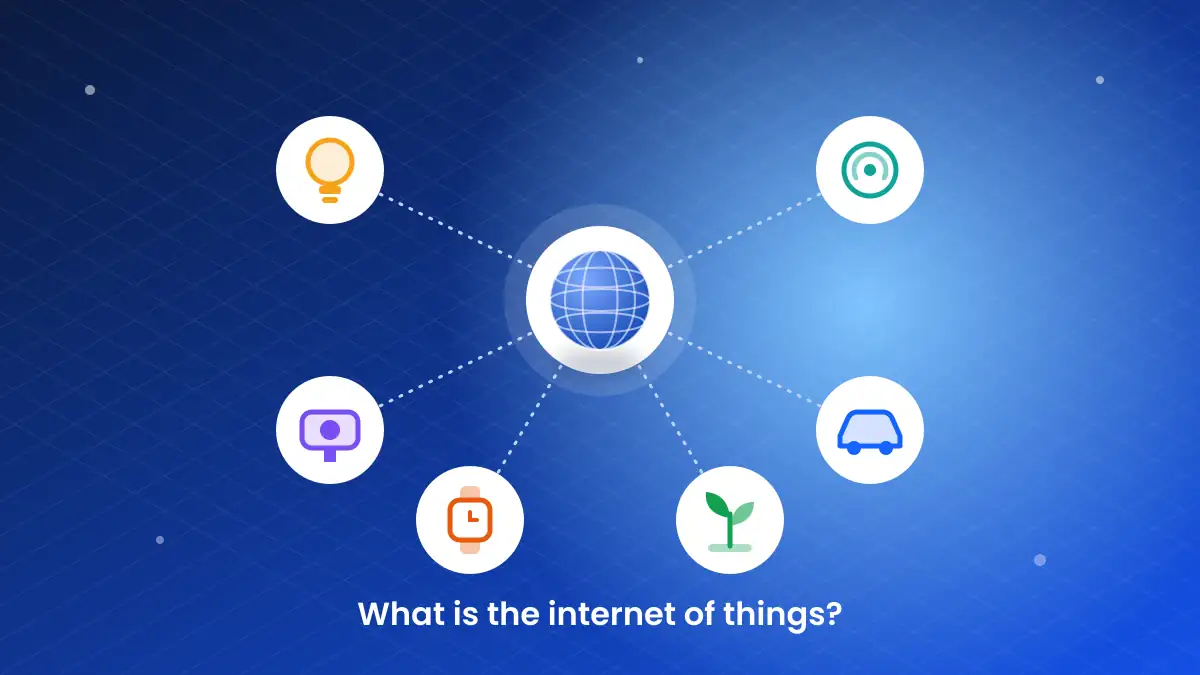
Your phone is not the only thing online anymore. Light bulbs, doorbells, watches, cars, and even farm sensors now connect to the internet and share data. So, what is the Internet of Things? This guide explains IoT in simpler terms, shows how it works, gives everyday examples, and covers the security risks and how to stay safe.
Quick answer: The Internet of Things (IoT) is the network of everyday physical objects that have sensors, software, and an internet connection, so they can collect data, share it, and act on it without a person typing anything. Examples include smart bulbs, security cameras, fitness trackers, smart meters, and sensors in farms and factories. IoT makes life more convenient and businesses more efficient, but every connected device is also a possible way in for hackers, so change default passwords and keep devices updated.
In this guide
- What is the internet of things?
- How the internet of things works
- Examples of IoT devices
- How big is the internet of things?
- Benefits of IoT
- Security risks of the Internet of Things
- How to use IoT devices safely
- Frequently asked questions
- Key takeaways on what is the Internet of Things
What is the internet of things?
The Internet of Things, usually shortened to IoT, describes physical objects that connect to the internet. Typically, each “thing” carries a small computer chip, one or more sensors, and a way to connect, such as Wi-Fi, Bluetooth, or a mobile network.
These devices sense the world around them. For example, a thermostat measures temperature, a smartwatch counts your steps, and a water meter tracks how much you use. Next, they send that data to an app or a cloud service, which can respond automatically.
The word “things” separates them from computers and phones. In other words, IoT devices are ordinary objects that have gained a connection, rather than general-purpose computers.
How the Internet of Things works
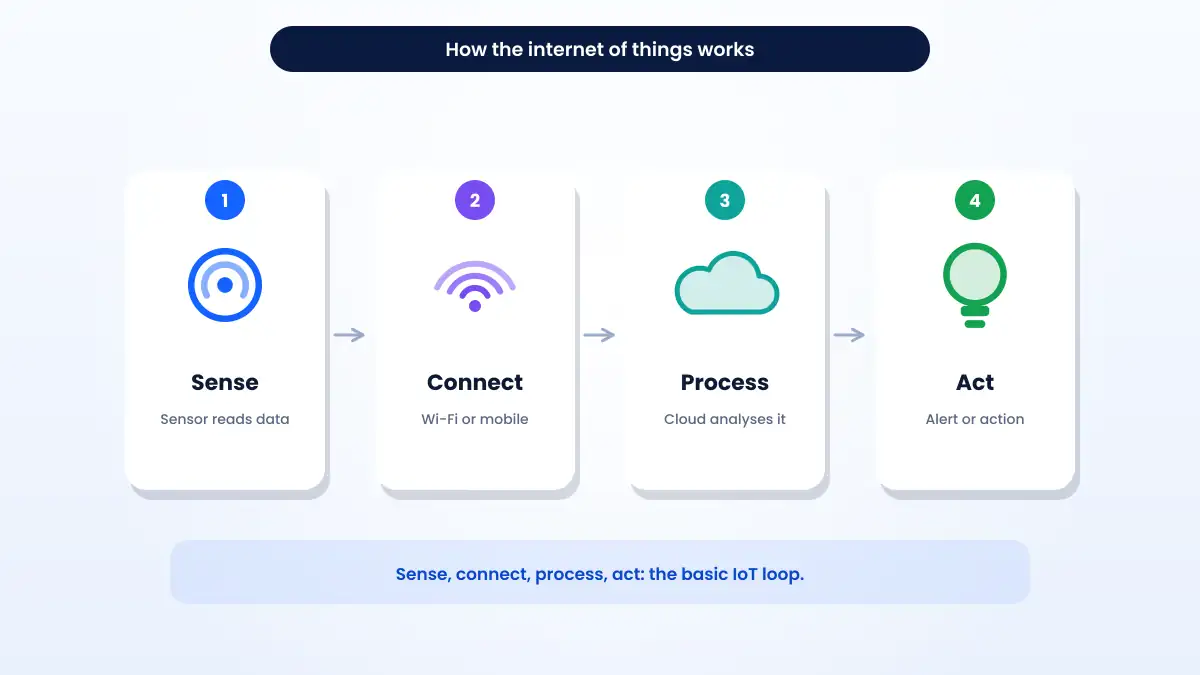
Most IoT systems follow four steps:
- Sense. A sensor measures something, such as heat, motion, light, or location.
- Connect. The device sends that reading over Wi-Fi, Bluetooth, or a mobile network.
- Process. Software, often in the cloud, stores and analyses the data. Our guide to what cloud computing is explains this part.
- Act. The system sends you an alert, shows the data in an app, or triggers an action, such as switching on a light.
Behind the scenes, devices and apps talk to each other through APIs. Our guide on what an API is explains how. Meanwhile, the readings usually end up in a database, where software can spot patterns over time.
Examples of IoT devices
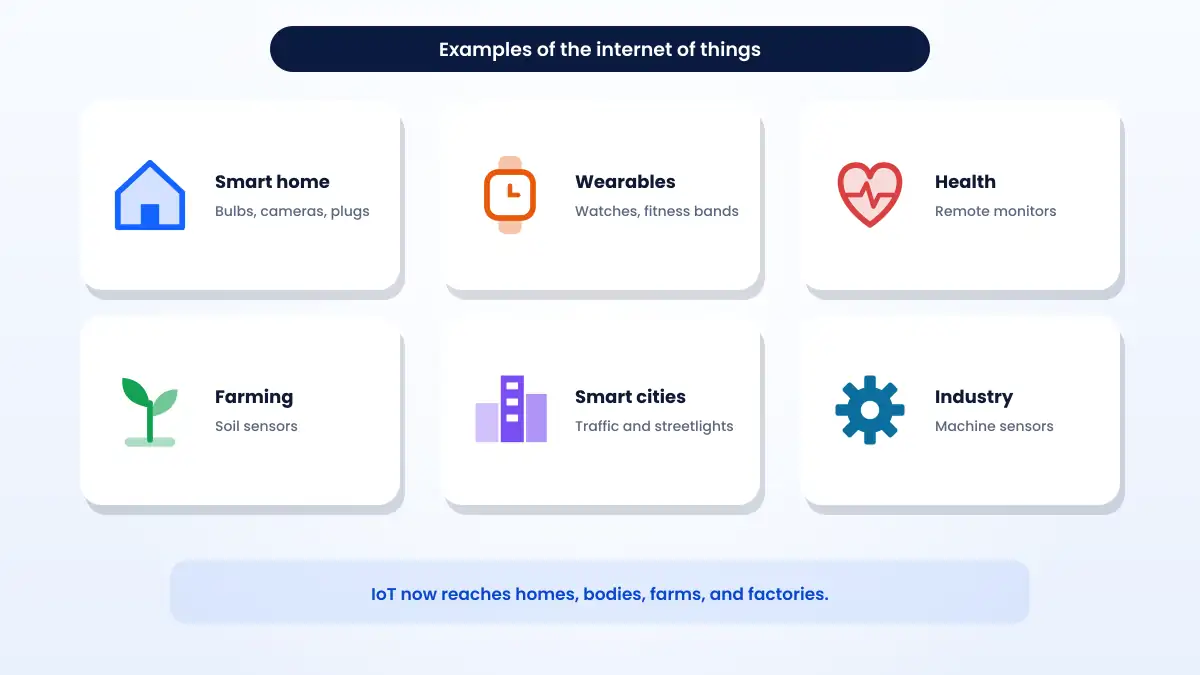
In fact, you probably use some IoT devices already. Here are common examples:
| Area | Examples | What they do |
|---|---|---|
| Smart home | Smart bulbs, plugs, cameras, doorbells, speakers | Let you control and watch your home from your phone |
| Wearables | Smartwatches, fitness trackers | Track steps, heart rate, and sleep |
| Health | Remote heart and glucose monitors | Send readings to doctors between visits |
| Energy | Smart meters, solar inverters | Show usage and help manage power |
| Transport | Vehicle trackers, connected cars | Share location, fuel use, and faults |
| Farming | Soil and weather sensors | Help farmers water and feed crops at the right time |
| Industry | Machine sensors | Warn when equipment is likely to fail |
| Cities | Smart traffic lights, streetlights | Cut congestion and save energy |
How big is the Internet of Things?
Overall, it is already huge. According to IoT Analytics, there were about 18.5 billion connected IoT devices in 2024. The research firm expected that number to reach 21.1 billion by the end of 2025, and around 39 billion by 2030.
In comparison, the world has roughly 8 billion people, so connected things already far outnumber us.
Benefits of IoT
- Convenience. For instance, you can switch off lights or check a camera from anywhere.
- Saving money and energy. Smart meters and thermostats show where power goes, so you can cut waste.
- Better decisions. Farmers, factories, and cities use real data instead of guesswork.
- Safety and health. Alarms, trackers, and health monitors can warn people early.
- Automation. Devices can act on their own, such as watering a garden when the soil is dry.
Security risks of the Internet of Things
However, every connected device is also a small computer that hackers can target. The main risks are:
- Weak or default passwords. Many older devices shipped with simple passwords such as “admin”, which attackers can guess.
- Missing updates. Some cheap devices never get security fixes, so known flaws stay open.
- Privacy. Cameras, speakers, and trackers collect personal data, sometimes more than you expect.
- Botnets. Criminals can take over thousands of insecure devices and use them together to attack websites.
- A way into your network. A hacked device on your Wi-Fi can expose your other devices.
At the same time, rules are tightening. For example, the UK’s Product Security and Telecommunications Infrastructure Act, in force since 29 April 2024, bans smart devices with guessable default passwords, as The Hacker News reports. The law also makes makers say how long their devices will get security updates.
How to use IoT devices safely
- Change the default password as soon as you set up a device, and use a different one for each.
- Turn on two-factor authentication for the device’s app or account. Our guide to what two-factor authentication is explains how.
- Update the device and app whenever updates arrive, or switch on automatic updates.
- Buy from known brands that promise security updates for a stated period.
- Secure your Wi-Fi with a strong password, and consider a separate guest network for smart devices. Away from home, our guide to what a VPN is explains how to protect your traffic on public networks.
- Check privacy settings and turn off features you do not use, such as always-on microphones.
- Remove old devices from your account and reset them before you sell or throw them away.
Frequently asked questions
Is my smartphone an IoT device?
Usually not, because phones and laptops are general-purpose computers. However, your phone often acts as the remote control for IoT devices.
Do IoT devices need the internet to work?
In most cases, they need a connection for their smart features. Some still work locally, for example through Bluetooth or a home hub, but you may lose remote control and updates.
What is the difference between IoT and AI?
IoT connects devices and collects data. By contrast, AI analyses data and makes predictions. Many systems combine both, for instance, a camera that uses AI to recognise a delivery.
What is industrial IoT?
Industrial IoT, or IIoT, means using connected sensors in factories, energy, and logistics. As a result, it helps firms predict faults and run equipment more efficiently.
Can someone hack my smart camera?
Yes, especially if it has a weak password or old software. Change the default password, turn on two-factor authentication, and keep it updated.
Key takeaways on what the Internet of Things is
- The Internet of Things is a network of everyday objects that use sensors and a connection to collect and share data.
- IoT works in four steps: sense, connect, process, and act.
- Examples include smart homes, wearables, health monitors, farming sensors, and smart cities.
- IoT Analytics expects about 21.1 billion connected devices by the end of 2025.
- Change default passwords, update devices, and use two-factor authentication to stay safe.
Interested in more simpler explanations? Browse all our Digital Explained guides, or read what a digital wallet is.