A social media page is a good start, but it is not enough on its own. When customers search for you, a simple website shows that your business is real, explains what you sell, and makes it easy to contact you or pay. The good news is that you do not need to code or spend a fortune. This guide shows how to create a business website step by step, which tools to use, what it costs, and what to put on each page.
Quick answer: To create a business website, register a domain name, then choose a website builder such as Wix, Squarespace, or Google Sites, or WordPress with web hosting. Pick a template, add four core pages (Home, About, Products or Services, and Contact), and add your photos, prices, and WhatsApp or payment links. Then connect your domain, test the site on a phone, and publish it. Paid builders start at about $17 to $19 a month on a yearly plan, and Google Sites is free.
In this guide
- What a simple business website needs
- Choose how to create a business website
- How to create a business website, step by step
- What to write on each page
- Make it fast and mobile-friendly
- Help customers find your website
- Keep your business website safe
- Frequently asked questions
- Key takeaways on how to create a business website
What a simple business website needs
A small business website does not need dozens of pages. Most need just four or five:
| Page | What to include |
|---|---|
| Home | Who you are, what you sell, and one clear button, such as “Order on WhatsApp” |
| About | Your story, your team, and why customers can trust you |
| Products or Services | What you offer, with photos and prices if they are stable |
| Contact | Phone, email, address or service areas, opening hours and a map |
| FAQ (optional) | Answers to the questions customers ask most |
Keep it simple. After all, a clear, small site that loads fast is better than a large one that confuses visitors.
Choose how to create a business website
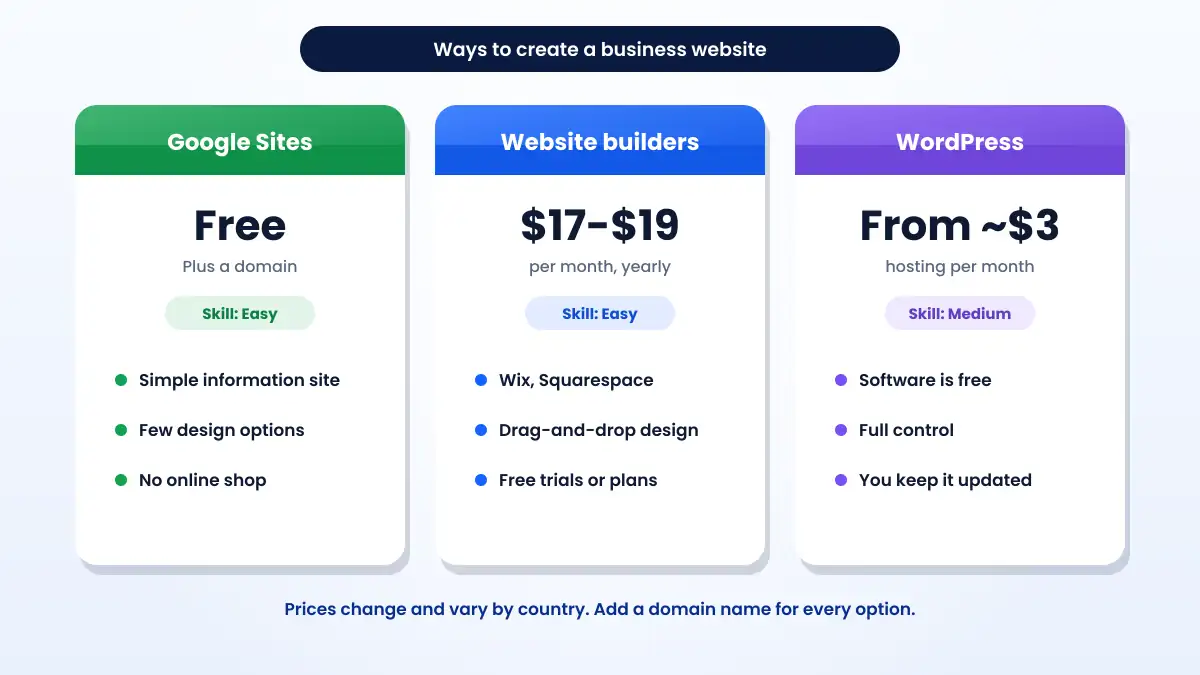
There are three main ways to build your site. Each one suits a different budget and skill level:
| Option | Cost | Good for | Watch out for |
|---|---|---|---|
| Google Sites | Free, plus a domain if you want one | A very simple information site | Few design options and no online shop |
| Website builders (Wix, Squarespace) | Wix Light about $17 a month and Squarespace Basic about $19 a month, on yearly plans | Owners who want drag-and-drop design | Costs rise if you add more features |
| WordPress with hosting | Software is free; hosting often starts at a few dollars a month | Owners who want full control | More to learn, and you must keep it updated |
Prices change and vary by country, so check before you buy. For example, a July 2026 Wix pricing guide lists Wix Light at $17 a month on a yearly plan. Similarly, an August 2026 Squarespace pricing guide lists Squarespace Basic at $19 a month on a yearly plan, with a 14-day free trial.
However, free plans have limits. For instance, Wix’s free plan shows Wix ads and uses a Wix web address rather than your own domain, according to Style Factory’s Wix review. For a business, your own domain looks far more professional.
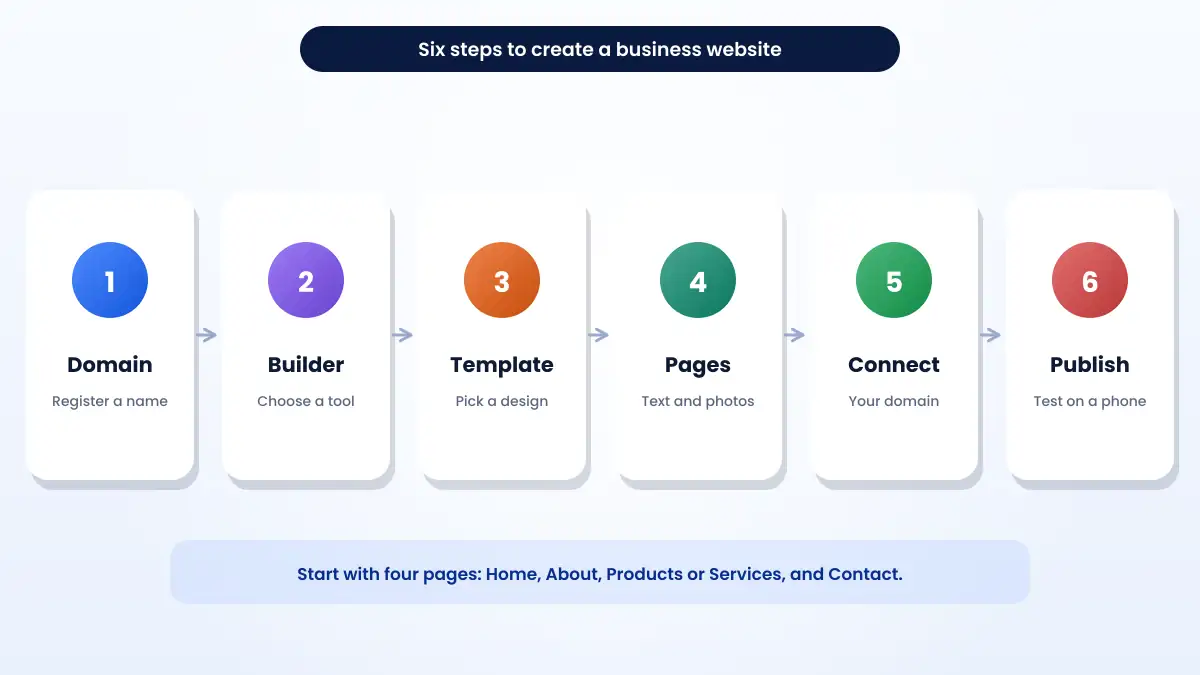
How to create a business website, step by step
Whichever tool you choose, the process is similar:
- Register a domain name. Choose something short and close to your business name. Our guide on how to create a professional business email explains how to pick a domain and check its renewal price.
- Choose your builder or host. Start with a free trial if one is available, so you can test it before you pay. For other apps you can start with at no cost, see our guide to the best free business tools.
- Pick a template. Choose a clean design made for your type of business, such as a restaurant, salon, or consultancy.
- Add your core pages. Write the Home, About, Products or Services, and Contact pages first.
- Add photos and contact buttons. Use real photos of your products and shop, and add a WhatsApp or “Call us” button.
- Add a way to pay. A payment link lets customers pay without leaving your site. Our guide on how to accept online payments compares the options. To sell many products, see how to start an online store.
- Connect your domain. Your builder gives you the DNS records to add at your domain registrar.
- Test it on a phone, then publish. Check every page, button, and link before you share the site.
What to write on each page
Good words matter as much as good design. So keep these tips in mind:
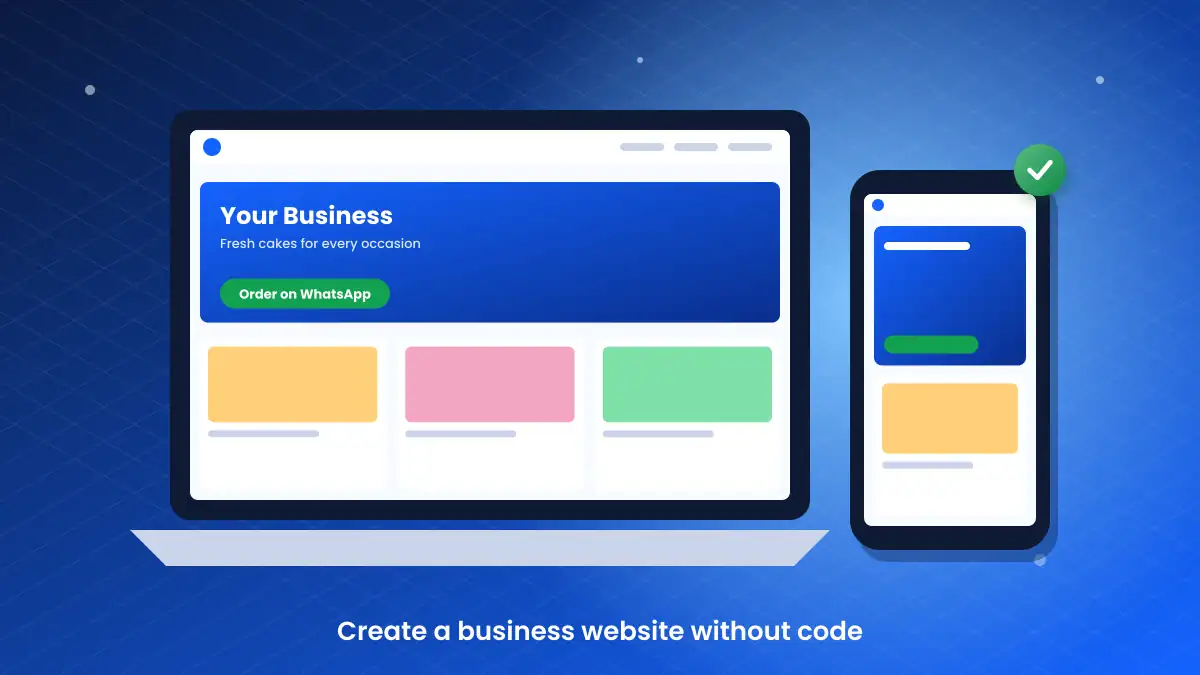
- Lead with the customer. Say what you do and who you help in the first line, such as “Fresh cakes for birthdays and weddings in Abuja.”
- Use plain words. After all, short sentences are easier to read on a phone.
- Show proof. Add customer reviews, photos of finished work, and any certifications.
- Add one clear action per page. For example, “Order on WhatsApp”, “Book a call” or “Get a quote”.
- Keep it current. Otherwise, out-of-date prices or opening hours frustrate customers.
If writing is hard for you, an AI tool can help with a first draft. Our list of the best free AI writing tools shows where to start, but always check and edit the result.
Make it fast and mobile-friendly
Most people will visit your site on a phone, often on mobile data. So:
- Choose a template that adjusts to small screens.
- Resize and compress photos before you upload them, because large images slow pages down.
- Put your phone number and WhatsApp button where people can tap them easily.
- Test the site on a cheap phone and a slow connection, not only on your laptop.
Help customers find your website
Publishing your site is only the start. Next, to bring visitors in:
- Add the website to your Google listing. Our guide on how to create a Google Business Profile shows how.
- Add the link to your WhatsApp Business profile, Instagram bio, flyers, and email signature.
- Use your business name, location, and main services in your page titles and headings, so search engines understand what you offer.
- Print a QR code that opens your site. You can create a QR code for free.
Keep your business website safe
A hacked website damages trust quickly. So protect yours with these habits:
- Make sure your site uses HTTPS, which shows a padlock in the browser. Most builders include it, and many hosts include a free SSL certificate.
- Use a strong, unique password and 2-Step Verification on your builder, hosting, and domain accounts. Our guide on how to secure your Gmail account explains why this matters.
- If you use WordPress, update the software, themes, and plugins regularly, and keep backups.
Frequently asked questions
Can I create a business website for free?
Yes, with limits. Google Sites is free, and Wix has a free plan. However, the free Wix plan shows ads and uses a Wix address, so most businesses pay for a plan and their own domain.
How much does a simple business website cost?
Budget for a domain name every year, plus a builder plan or hosting. Popular builders start at about $17 to $19 a month on yearly plans, while WordPress hosting can cost less.
Do I need to know how to code?
No. Instead, website builders and Google Sites use drag-and-drop editors. WordPress also works without code, but it takes a little more learning.
How long does it take to build?
A simple four-page site can be ready in a day or two if your text and photos are ready. Connecting a domain can take extra time while DNS changes spread.
Is a website better than a social media page?
They work best together. In short, social media helps people discover you, while a website gives you a home you control, with your own domain and all your key details in one place.
Key takeaways on how to create a business website
- Start with four core pages: Home, About, Products or Services, and Contact.
- Choose Google Sites for free and simple, a builder for easy design, or WordPress for full control.
- Use your own domain, real photos, and a clear action on every page.
- Test on a phone, then add the link to your Google listing and social profiles.
- Protect your accounts and keep the site up to date.
Building your business online? Next, see the best free AI tools for small businesses, or browse all our digital business guides.