Customers no longer want to pay only with cash. They want to send a transfer, tap a link, or pay by card, even late at night. The good news is that you can accept online payments without a big budget, and often without a website. This guide explains the main ways to accept online payments as a small business in Nigeria, what each one costs, how to set one up, and how to avoid fake payment scams.
Quick answer: The easiest way to accept online payments is to open a business bank account and share the account number for transfers. Next, add a payment link from a gateway such as Paystack or Flutterwave, so customers can also pay by card, transfer, or USSD without a website. Paystack charges 1.5% plus a small flat fee on local payments, with a cap. Always confirm each payment in your own bank or gateway dashboard before you release goods.
In this guide
- Ways to accept online payments
- Option 1: Bank transfers to a business account
- Option 2: Payment links, no website needed
- Option 3: Checkout on your website or online store
- Option 4: QR codes and POS terminals
- What it costs to accept online payments
- How to accept online payments, step by step
- Protect your business from payment scams
- Frequently asked questions
- Key takeaways on how to accept online payments
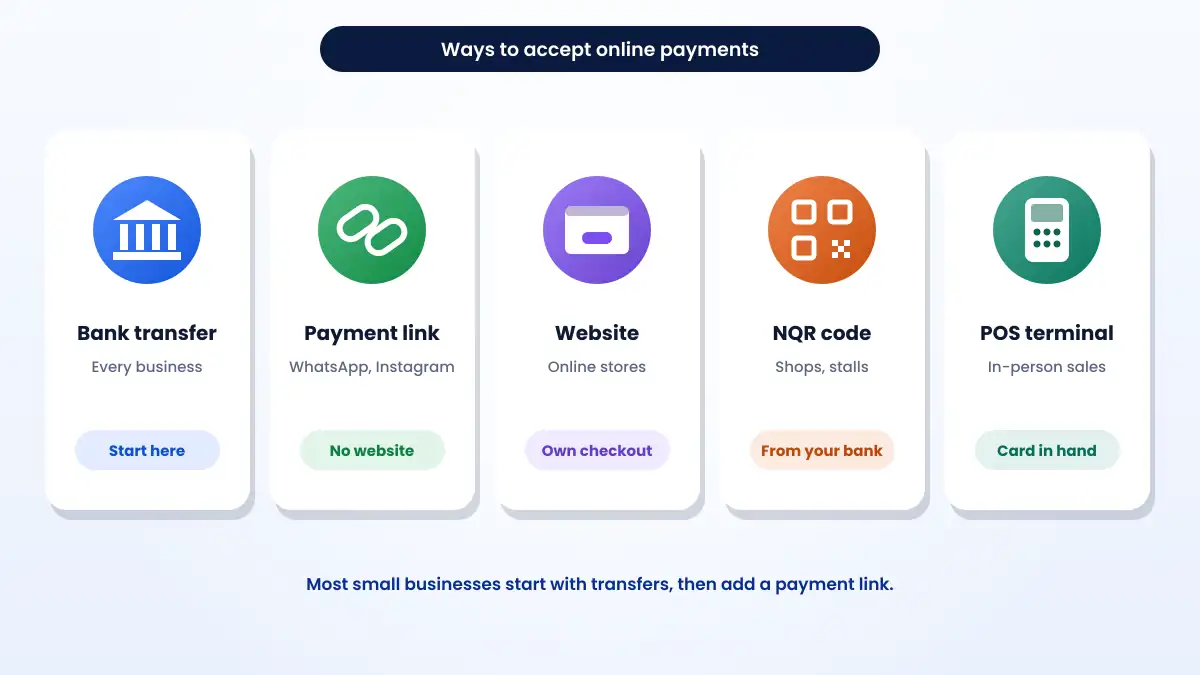
Ways to accept online payments
There is no single best method. Most small businesses combine two or three of these:
| Method | How customers pay | Typical cost | Best for |
|---|---|---|---|
| Bank transfer | Send money to your business account | Usually your bank’s normal charges | Every business, as a starting point |
| Payment link | Open a link and pay by card, transfer, or USSD | Gateway fee per payment | Instagram and WhatsApp sellers |
| Website checkout | Pay on your own website or online store | Gateway fee per payment | Businesses with a website |
| QR code (NQR) | Scan a code with a banking app | Set by your bank | Shops and market stalls |
| POS terminal | Insert or tap a card in person | Set by the provider | Shops that also sell in person |
Option 1: Bank transfers to a business account
Bank transfers are the simplest way to accept online payments in Nigeria. Customers already know how to send them, and money usually arrives within seconds. Our guide on how bank transfers work explains what happens behind the scenes.
Use a business account rather than your personal one. It keeps your records clean, and customers see your business name when they send money. To record what you spend, see how to track business expenses in Excel. As your sales grow, ask your bank or gateway for virtual accounts, which give each customer or order its own account number. That makes it much easier to match payments to orders. Our guide to pay by bank explains how transfers work as a checkout option.
Option 2: Payment links, no website needed
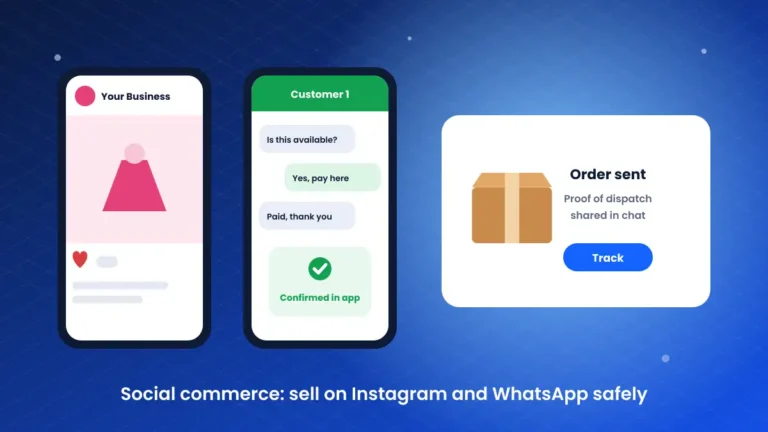
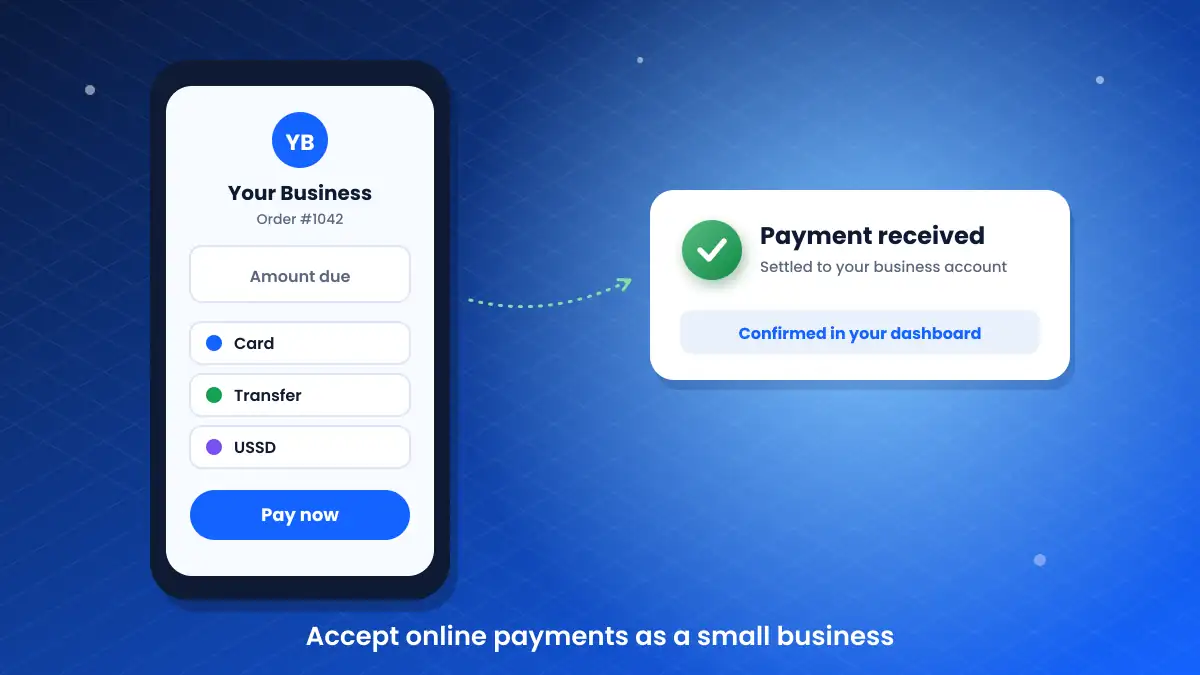
A payment link is a simple payment page with its own web address. You share it on WhatsApp, Instagram, or by email, and the customer pays on a secure page. Paystack’s guide to its setup methods says a Payment Page is a link to a simple form that you can send to customers, with no website or app needed.
Payment links are run by a payment gateway. The gateway shows the payment options, passes the payment securely, and then pays the money into your bank account. Popular gateways in Nigeria include Paystack and Flutterwave. Our guide explains what a payment link is in more detail.
You can usually start before you register your business. For example, Paystack offers a Starter Business account for merchants who have not yet registered with the regulators. However, Paystack’s help page says Starter Businesses in Nigeria have a collection limit, and payments pause once you reach it. To remove the limit, you upgrade to a Registered Business and submit your registration documents.
Option 3: Checkout on your website or online store
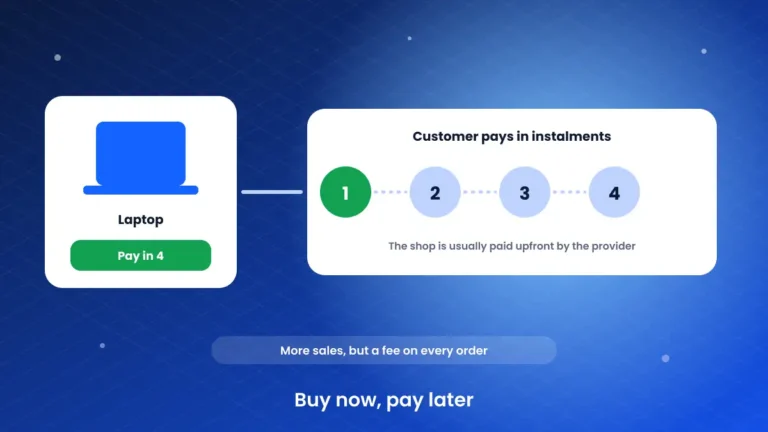
If you have a website or online store, you can add a checkout so customers pay while they order. Paystack, for example, offers plugins for platforms such as WordPress and Shopify. This option takes more setup, but it lets customers order and pay without messaging you first. Our guide on how to start an online store compares the platforms. If you do not have a site yet, learn how to create a business website. A checkout like this is the simplest form of embedded finance. Some checkouts also offer instalments, as our guide to buy now, pay later explains.
Option 4: QR codes and POS terminals
If you also sell in person, two more options help:
- NQR codes. Customers scan the code with their banking app and pay. In Nigeria, you get an official NQR code through your bank, not from a general QR generator. Our guide on how to create a QR code explains the difference.
- POS terminals. Customers insert or tap their card. Banks and payment companies offer terminals, usually with a per-transaction fee. Many cards also support contactless payment.
What it costs to accept online payments
Gateways usually charge a percentage of each payment, plus sometimes a small flat fee. Here are two examples:
- Paystack: 1.5% plus a small flat fee on local payments, with the flat fee waived on small amounts and a cap on the total fee. International cards cost 3.9% plus the flat fee, according to Paystack’s pricing page.
- Flutterwave: about 1.4% on local payments, with a cap, according to an August 2026 fee comparison. Check Flutterwave’s own pricing before you sign up, because rates change.
To see how fees affect your profit, try our free payment processing fee calculator. Then decide whether to absorb the fee or include it in your prices.
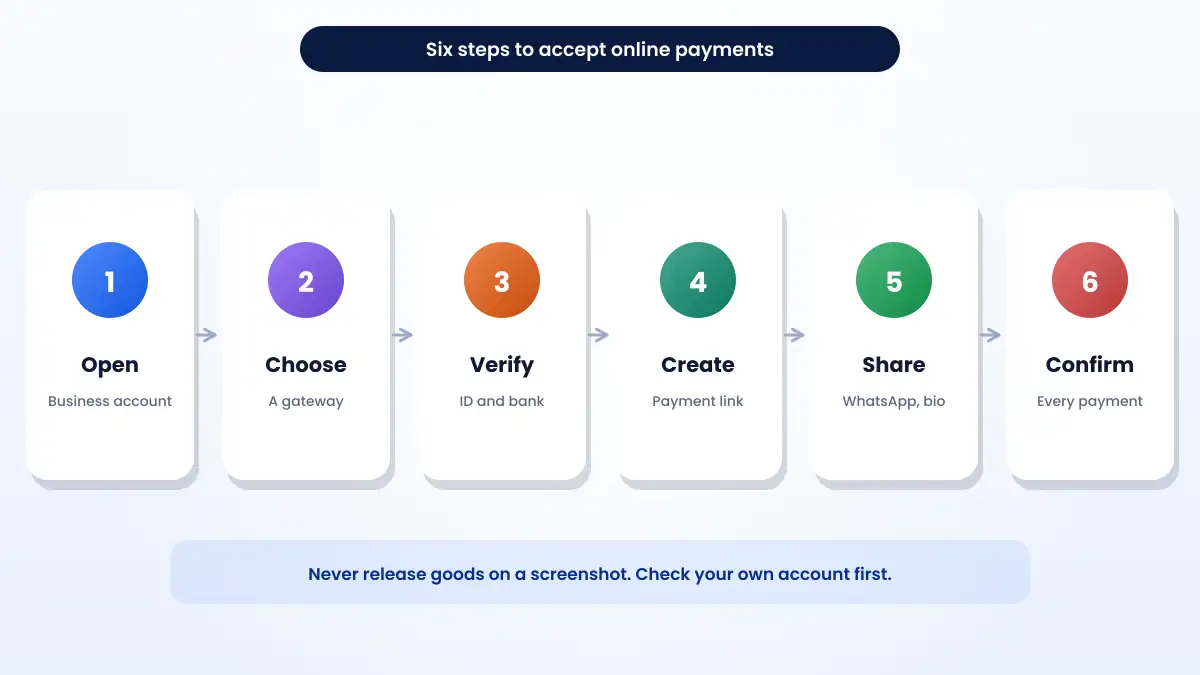
How to accept online payments, step by step
Here is a simple setup that works for most small businesses:
- Open a business bank account. Use it only for business money.
- Choose a gateway. Compare fees, payout times, and support, then sign up for an account. Later, if you add a second gateway as a backup, read our guide to payment orchestration.
- Verify your details. Gateways ask for your ID and bank details, and your registration documents if your business is registered.
- Create a payment link. Add your business name, logo, and a short description, then test it with a small payment.
- Share it everywhere. Add the link to your WhatsApp Business profile, Instagram bio, and messages to customers.
- Check every payment. Before you release goods, confirm each payment in your gateway dashboard or banking app. If you sell through a website, webhooks from your gateway can also confirm payments to your site automatically.
Protect your business from payment scams
Fake payments are a common trick against small businesses. A scammer sends a fake transfer alert or a screenshot, then asks you to release the goods quickly. So follow these rules:
- Never trust a screenshot or SMS alone. Open your banking app or gateway dashboard and confirm that the money has actually arrived.
- Be careful with overpayments. If a customer “accidentally” pays too much and asks for a refund, check that the first payment is real before you send anything back.
- Keep records. Save order details and delivery proof. They help if a customer disputes a card payment later, which is called a chargeback.
- Protect your accounts. Use strong passwords and 2-Step Verification on your email and gateway logins. Our guide on how to protect your bank account online has more tips.
Frequently asked questions
Can I accept online payments without a website?
Yes. Bank transfers and payment links both work without a website. You simply share your account number or link on WhatsApp, Instagram, or by email. However, a clear online catalogue will matter more as AI shopping agents grow, as our guide to agentic commerce shows.
Do I need to register my business first?
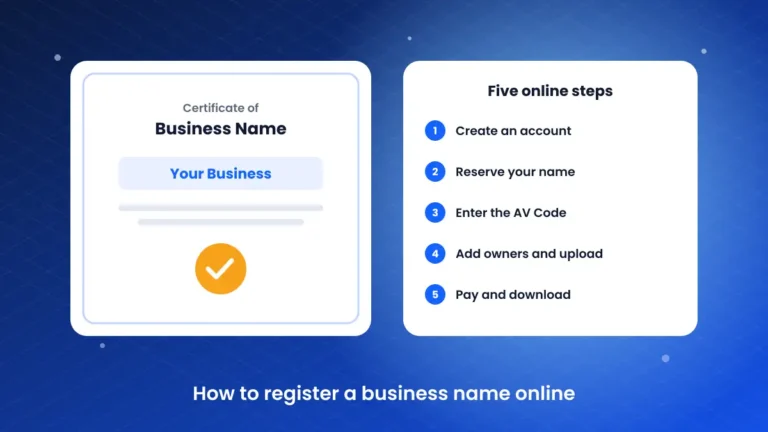
Not always. Paystack’s Starter Business lets unregistered merchants start, but with a collection limit. To remove the limit, register your business and upgrade your account. Our guide shows how to register a business name with CAC online.
How much does it cost to accept online payments?
Paystack and Flutterwave charge about 1.4% to 1.5% on local payments, with a cap. Paystack’s pricing page lists no setup or monthly fee, but check each provider’s current pricing.
Which is better, Paystack or Flutterwave?
Both are widely used in Nigeria. Compare their fees, payout times, customer support, and the payment options your customers prefer, then choose the one that suits your business.
How do I know a payment is real?
Check your bank app or gateway dashboard, not the customer’s screenshot or a text message. Release goods only when the money shows in your account.
Key takeaways on how to accept online payments
- Start with bank transfers to a business account, then add a payment link.
- Payment links let you accept online payments without a website.
- Gateway fees are a small percentage of each payment, often with a cap.
- Confirm every payment yourself before you release goods.
- Keep records so you can answer disputes and track your sales.
Next, make sure customers can find you: learn how to create a Google Business Profile and create a professional business email.