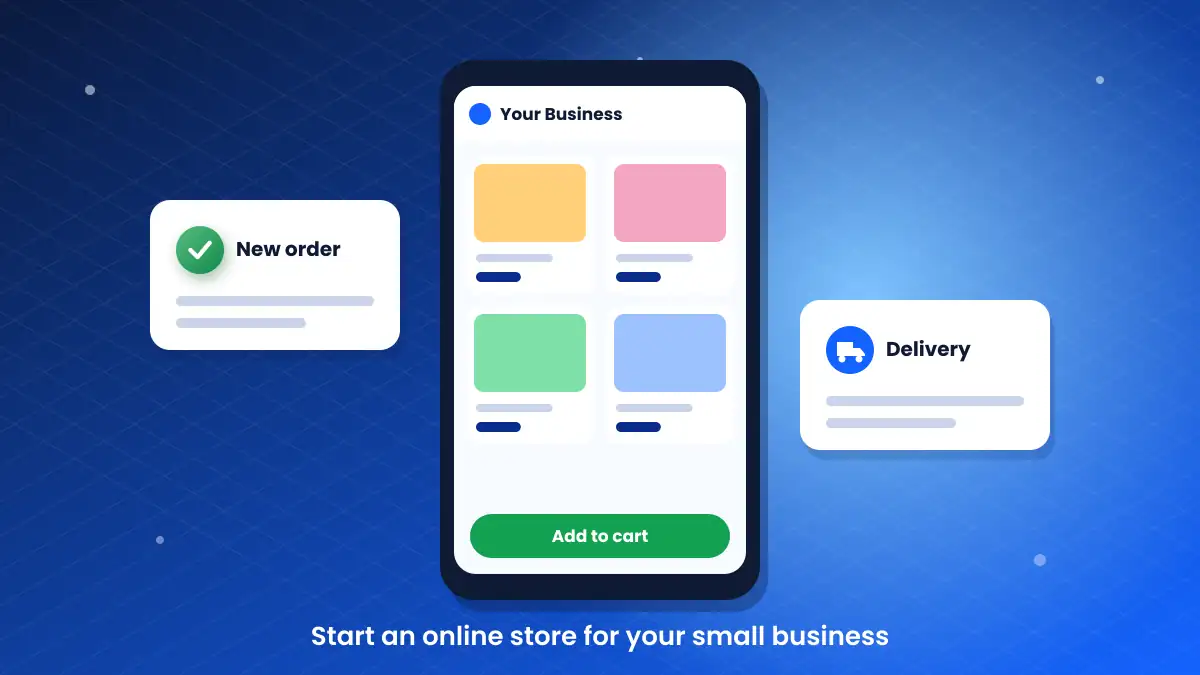
Many small businesses already sell online through WhatsApp and Instagram. However, answering every “How much?” message by hand takes time, and customers cannot see everything you sell. An online store fixes that. It shows your products, prices, and delivery options in one place, and customers can order and pay at any time. This guide shows how to start an online store step by step, which platform to choose, what it costs, and how to get your first orders.
Quick answer: To start an online store, first choose what you will sell and work out your costs. Then pick a platform: the free WhatsApp Business catalogue, Paystack Storefront (no setup or monthly fee), a Nigerian store builder such as Bumpa or Selar, Shopify (Basic from $29 a month on a yearly plan), or WordPress with WooCommerce. Add your products with clear photos and prices, connect a payment method, and plan delivery. Finally, place a test order and share your store link everywhere.
In this guide
- Ways to start an online store
- Before you start: products, prices and costs
- How to start an online store, step by step
- Product photos and descriptions that sell
- Delivery and returns
- Get your first customers
- Protect your store from fraud
- Frequently asked questions
- Key takeaways on how to start an online store
Ways to start an online store
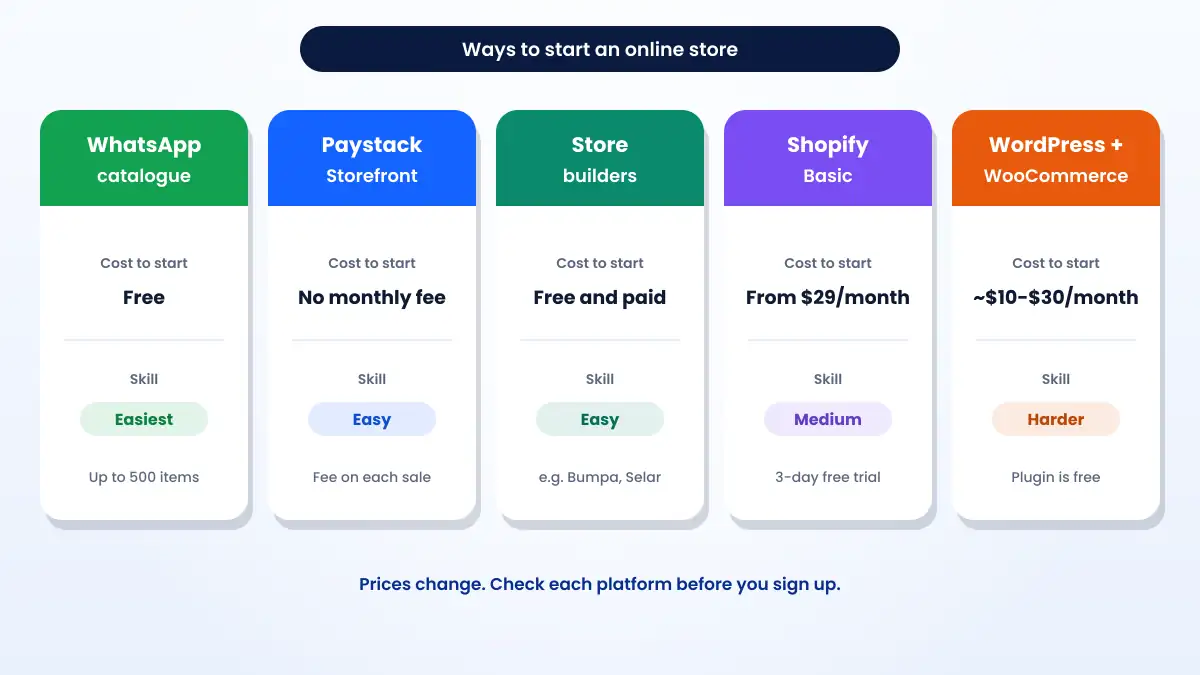
You do not need a big website to sell online. Here are the main options, from simplest to most flexible:
| Option | Cost to start | Best for | Watch out for |
|---|---|---|---|
| WhatsApp Business catalogue | Free | Testing a few products with existing customers | Orders and payments still happen in chat |
| Paystack Storefront | No setup or monthly fee; a fee on each sale | Sellers who want a simple shop page fast | Fewer design options than a full store |
| Nigerian store builders (Bumpa, Selar) | Free and paid plans | Local sellers who want stock and order tools | Check each plan’s limits and fees |
| Shopify | Basic from $29 a month on a yearly plan | Growing brands with many products | Monthly cost, plus extra fees on some plans |
| WordPress with WooCommerce | Plugin is free; hosting often $3 to $30 a month | Owners who want full control | More setup and upkeep |
| Marketplaces (Jumia, Konga, Jiji) | Commission or listing fees | Reaching buyers who already shop there | You share the customer with the marketplace |
WhatsApp Business catalogue
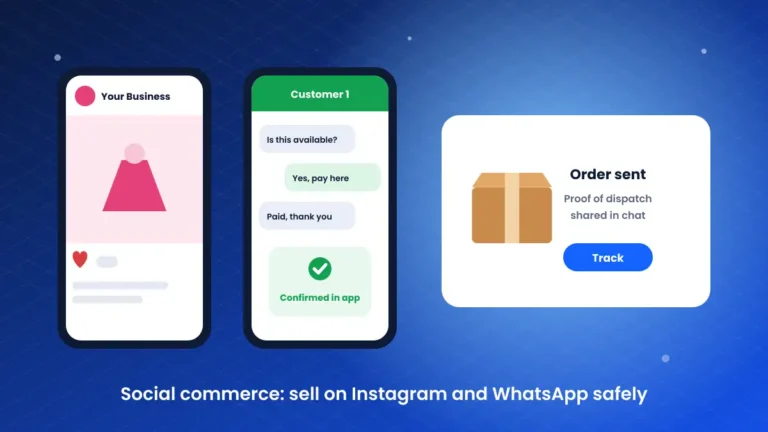
The WhatsApp Business app lets you add a catalogue of up to 500 products, each with up to 10 photos, a price and a description. You can also share a link to the whole catalogue or a single item, according to a respond.io guide updated in October 2026. It is a good way to start an online store with almost no setup. However, you still confirm orders and payments in chat. Our guide to social commerce explains how to do that safely. If you have not switched yet, our guide to WhatsApp Business vs WhatsApp shows how to move your number.
Paystack Storefront
Paystack Storefront gives you a mobile-friendly shop page with product photos, variants, delivery fees, and order management. According to Paystack, it has no setup or subscription fee and charges only a transaction fee on successful sales. Also, it is available to Paystack merchants in Nigeria, Ghana, and South Africa.
Shopify and WooCommerce
Shopify, on the other hand, is a full store builder. A May 2026 Shopify pricing guide lists Basic at $29 a month on a yearly plan, or $39 a month billed monthly, with a three-day free trial and no free plan. WooCommerce, in contrast, is a free WordPress plugin. Even so, you still pay for hosting, a domain, and any paid extensions. A Bluehost guide from February 2026, written by a hosting company, puts a small WooCommerce store at about $10 to $30 a month.
Meanwhile, marketplaces work differently. A TechCabal round-up of Nigerian e-commerce platforms notes that Konga charges a commission on each sale and that Jiji listings are free, with paid extras. So read each marketplace’s seller terms before you list.
Before you start: products, prices and costs
A store only works if each sale makes a profit. Before you build anything, list your costs for one order:
- The product itself, plus packaging.
- Delivery, if you do not charge the customer for it.
- Payment fees. Our payment processing fee calculator shows what card and gateway fees take from each sale.
- Platform fees, such as a monthly plan or a commission.
After that, set prices that cover these costs and still leave a margin. Also, start with a small range of products that already sell well, rather than everything at once.
How to start an online store, step by step
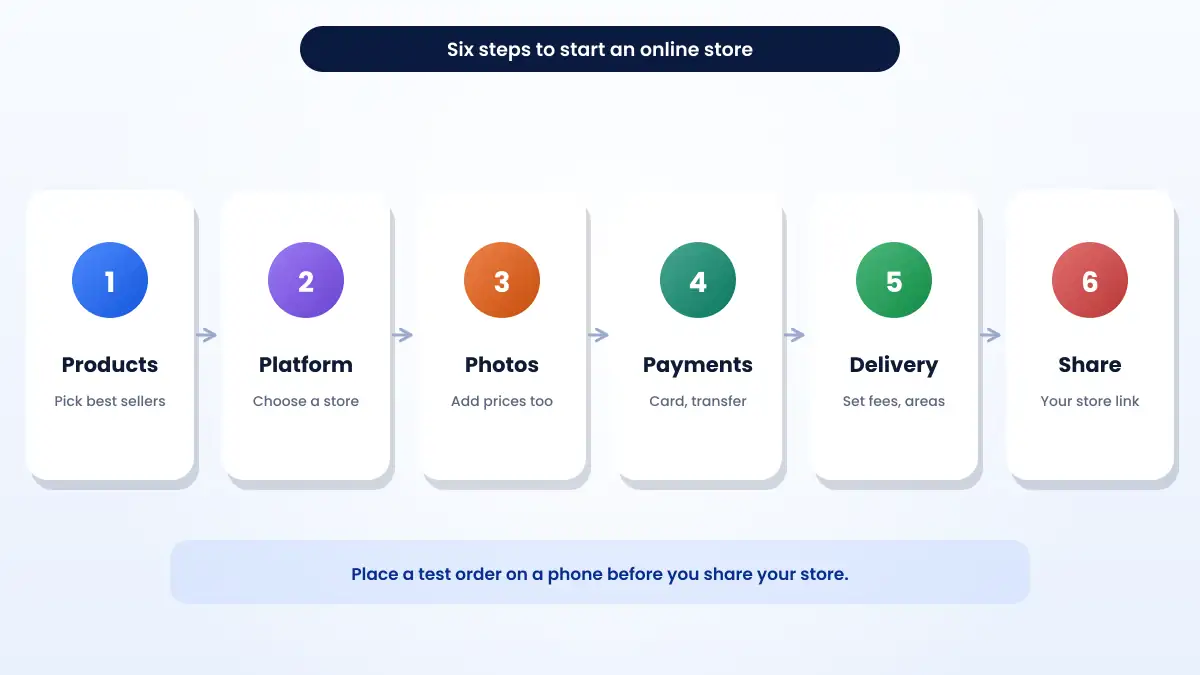
Once you know what you will sell, follow these steps:
- Choose your products. Start with your best sellers, and make sure you can keep them in stock.
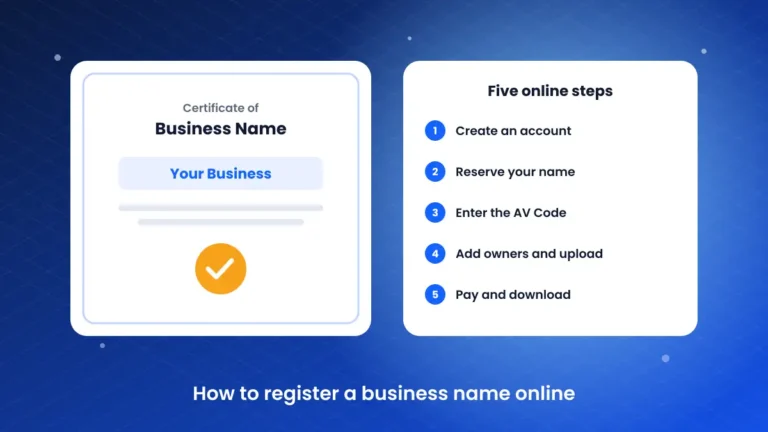
- Pick a name and a domain. A domain such as yourbusiness.com looks professional. Our guide on how to create a professional business email explains how to choose and register one. If you plan to trade under a brand, see how to register a business name with CAC.
- Choose your platform. Use the table above. If you are unsure, start with the WhatsApp catalogue or Paystack Storefront, and move later.
- Add your products. Upload clear photos, a short description, the price, and any sizes or colours.
- Set up payments. Customers should be able to pay by card, transfer, or USSD. Our guide on how to accept online payments compares the options.
- Plan delivery. Decide where you deliver, how much it costs, and how long it takes. Then show this clearly on your store.
- Place a test order. Buy something yourself, on a phone, to check the whole journey from product page to payment.
- Launch and share your link. Add it to your WhatsApp status, Instagram bio, Google listing, and flyers.
Product photos and descriptions that sell
Since customers cannot touch your products online, your photos and words do the selling. Keep these tips in mind:
- Use natural light. Take photos near a window, against a plain background.
- Show several angles. For example, add a close-up of the details and a photo that shows the size.
- Write for the buyer. Say what the product is, who it is for, and the size, colour, and material.
- Be honest. Always show the real product, so customers get what they expect and do not ask for refunds.
- Keep prices current. Update prices and stock levels as soon as they change.
Free tools help here. For example, Canva is useful for banners and price lists. Our list of the best free business tools covers more options.
Delivery and returns
Delivery is often where online sales go wrong, so set clear rules from day one:
- Choose a delivery method. You can deliver yourself, use a dispatch rider, or work with a courier company. Compare their prices, speed, and tracking.
- Show delivery costs early. After all, unexpected costs at checkout make customers leave.
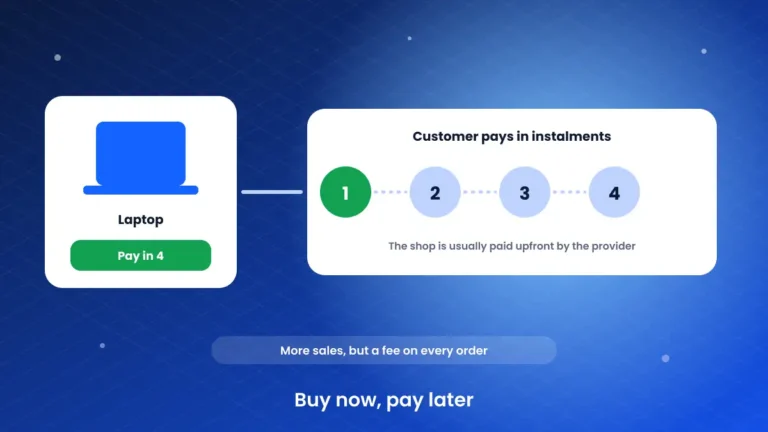
- Agree on payment timing. Many sellers ask for payment before dispatch. If you offer pay on delivery, agree on who pays if the customer refuses the order. For higher-priced items, you could also offer buy now, pay later through a partner.
- Write a simple return policy. In it, say which items can be returned, within how many days, and who pays for the return.
Get your first customers
Next, tell people your store exists. Start with the customers you already have:
- Share your store link with your WhatsApp contacts and post products on your status.
- Add the link to your Instagram and Facebook bios, and schedule posts with free tools such as Meta Business Suite.
- Put your store on Google. Our guide on how to create a Google Business Profile shows you how.
- Print a QR code that opens your store. You can create a QR code for free and add it to your packaging and flyers.
Later, if you want a full site with more pages, see how to create a business website.
Protect your store from fraud
Unfortunately, online stores attract scammers, so protect your money and your stock:
- Confirm every payment yourself. Check your bank app or gateway dashboard, not a screenshot or SMS alert, before you send goods.
- Watch for overpayments. Be careful with buyers who “accidentally” pay too much and ask for a refund.
- Secure your accounts. Use strong passwords and 2-Step Verification on your store, email, and payment accounts. Our guide on how to protect your bank account online has more tips.
Frequently asked questions
Can I start an online store for free?
Yes. The WhatsApp Business catalogue is free, and Paystack Storefront has no setup or monthly fee, although Paystack charges a fee on each sale. You may still want to pay for a domain later.
Do I need a website to sell online?
No. In fact, many small businesses sell through a WhatsApp catalogue or a store page from their payment provider. A full website helps later, when you have more products and want more control.
Which platform is best for a small business in Nigeria?
Overall, it depends on your size. For a handful of products, start with WhatsApp Business or Paystack Storefront. For a larger range, compare Nigerian store builders such as Bumpa and Selar with Shopify or WooCommerce.
How do customers pay in an online store?
Usually, stores accept cards, bank transfers, and USSD through a payment gateway. Some sellers also share their business account number for transfers, but then they must confirm each payment by hand.
How long does it take to start an online store?
A simple store on WhatsApp or Paystack Storefront can be ready in a day if your photos and prices are ready. A full Shopify or WooCommerce store takes longer to set up.
Key takeaways on how to start an online store
- Work out your costs and margin for each order before you build anything.
- Start simple with the WhatsApp Business catalogue or Paystack Storefront, then grow.
- Use clear photos, honest descriptions, and up-to-date prices.
- Show delivery costs early and write a simple return policy.
- Confirm every payment yourself before you send goods.
Ready to grow? Next, learn how to accept online payments, or browse all our digital business guides.