You open your banking app and see a transfer you did not make. Or a text says your password has changed, and you cannot log in. If your bank account is hacked, the first few hours matter most. This guide shows what to do in the first 24 hours, step by step, so you can stop the damage, report it properly, and give yourself the best chance of getting money back.
Quick answer: If your bank account is hacked, block it at once with your bank’s emergency code or app, then call the bank on the number on its website or the back of your card. Next, secure your phone, SIM, and email, and change your passwords from a safe device. Report the fraud to your bank and get a tracking number. If the bank does not resolve it, escalate to the CBN, and report the crime to the police cybercrime centre.
In this guide
- Signs your bank account has been hacked
- First hour: stop the damage
- Next few hours: secure your phone, SIM, and email
- Report it to the right places
- Gather your evidence
- Can you get your money back after a bank account is hacked?
- Check for hidden changes within 24 hours
- Watch out for recovery scams
- How to stop your bank account being hacked again
- Frequently asked questions
- Key takeaways if your bank account is hacked
Signs your bank account has been hacked
Sometimes the signs are obvious. Other times, however, they are small. Look out for these:
- Transfers, card payments, or withdrawals you did not make
- A new beneficiary, or a changed phone number or email on your profile
- Alerts about a login, a new device, or a password reset you did not request
- You suddenly cannot log in to your banking app
- Your SIM stops working without warning, which can point to SIM swap fraud
- Messages from your bank that you do not recognise, such as a new card request
Even one of these signs is enough to act. After all, it is better to block your account and find out it was a false alarm than to wait.
First hour: stop the damage
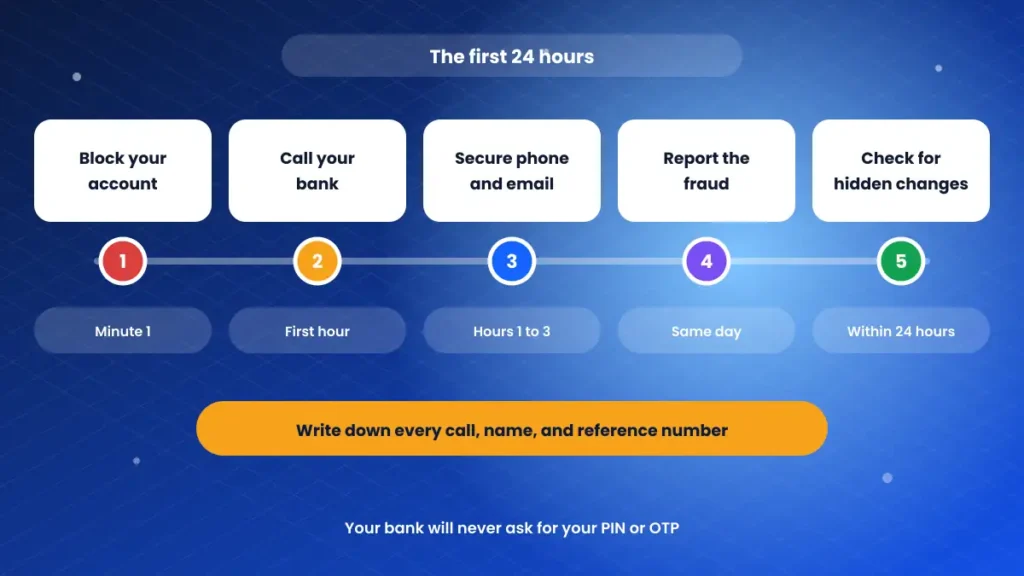
Speed matters most here. So do these steps in order:
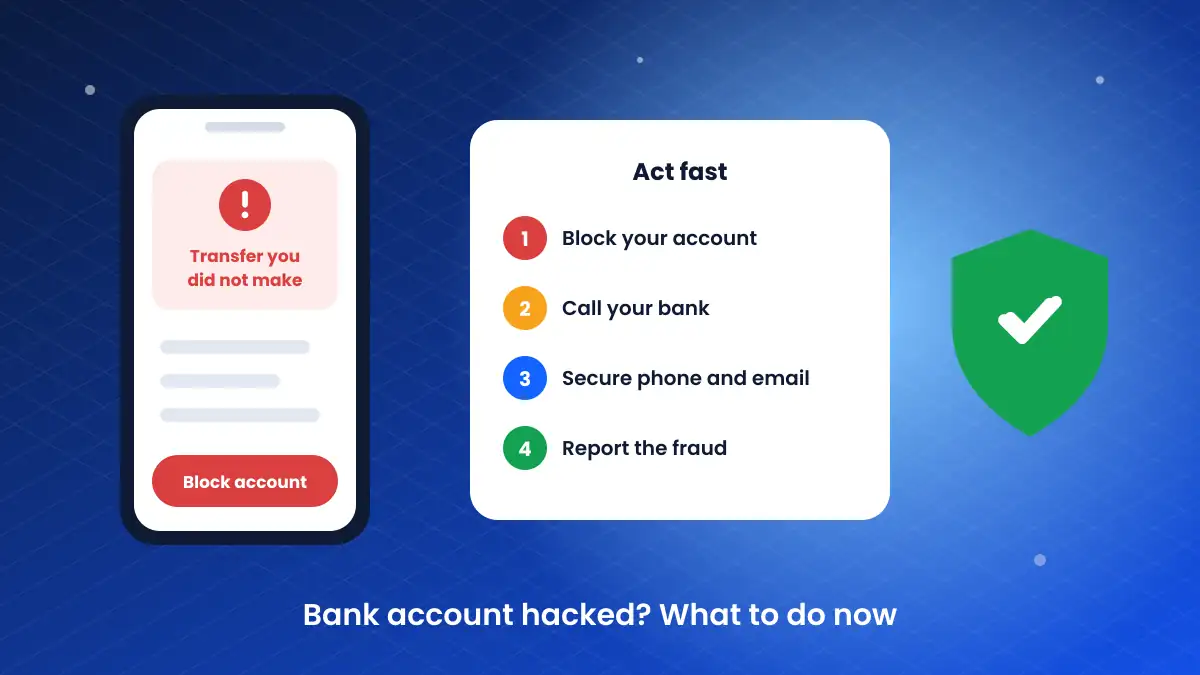
- Block your account. Dial your bank’s emergency fraud code from any phone, or use the “block” or “freeze” option in the banking app. Banks shared these codes in a 2024 Bankers’ Committee campaign, according to Nairametrics. Our guide on SIM swap fraud lists the main ones.
- Call your bank. Use only the number on your bank’s official website or on the back of your card. The Cyber Helpline gives the same advice in its guide to a hacked bank account. Never use a number from a text, a social media comment, or a search advert.
- Freeze your cards. Ask the bank to block your debit cards, or lock them in the app. This way, you stop card payments as well as transfers.
- Ask about other accounts. If you have savings or business accounts at the same bank, ask the bank to protect those too.
Write down the time of each call, the name of the person you spoke to, and any reference number. As a result, you will have these details ready later.
Next few hours: secure your phone, SIM, and email
Criminals often get in through your phone number or email, not the bank itself. So lock those down next.
- Check your SIM. If your phone shows “No service” in an area with signal, call your network at once. For example, someone may have moved your number to a new SIM.
- Secure your email. Change your email password, and turn on two-factor authentication. Your email can reset almost every other password, as our guide on how to secure your Gmail account explains.
- Change your passwords and PINs. Use a phone or computer you trust. Start with your banking app, then your email, then other apps linked to your money.
- Remove unknown apps. Uninstall any remote-access or screen-sharing app that someone asked you to install. After that, run a security scan, because malware can capture your login details.
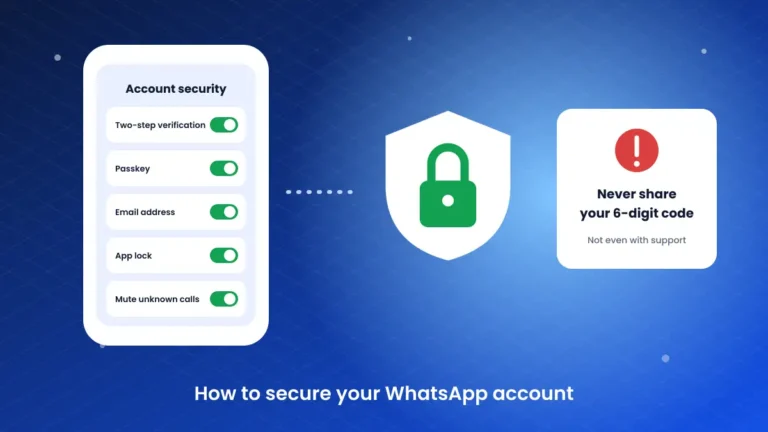
- Secure WhatsApp. Criminals often use hacked WhatsApp accounts to ask your contacts for money. Our guide on how to secure your WhatsApp account shows each setting.
Report it to the right places
First of all, reporting quickly creates a record, and it also helps the bank and the police act. Here is who to tell:
| Who to tell | When | What to ask for |
|---|---|---|
| Your bank | Straight away, by phone and in writing | A tracking number, and an investigation of each unauthorised transaction |
| CBN Consumer Protection | If the bank does not acknowledge your complaint within 3 days, or does not resolve it in about 2 weeks | A review of your complaint, using your bank’s tracking number |
| Police cybercrime centre | As soon as you can | A police report, which your bank may ask for |
| Your mobile network | If your SIM stopped working | A block on your number, and details of any SIM swap |
The CBN says you must report to your bank first. The bank should acknowledge your complaint within 3 days and give you a tracking number. If it does not, or if it has not resolved the issue in about 2 weeks, you can write to the CBN’s Consumer Protection Department at cpd@cbn.gov.ng, according to the CBN’s guide on how to lodge a complaint.
For the crime itself, the Nigeria Police Force runs an online reporting platform, managed by its National Cybercrime Centre (NPF-NCCC), at nccc.npf.gov.ng, TheCable reported.
Gather your evidence
In addition, a clear record makes your complaint much stronger. So collect these items while the details are fresh:
- Screenshots of the unauthorised transactions, with dates, times, and amounts
- Any texts, emails, or calls you received before the fraud, including the sender’s number
- The names of the accounts that received your money, if your statement shows them
- Your bank’s tracking number, and notes from every call
- A short written timeline of what happened, in your own words
Then keep all of this in one folder. However, never share your PIN, password, or OTP with anyone, even someone who claims to be helping with your case.
Can you get your money back after a bank account is hacked?
It depends on how the money left your account and how fast you report it.
- Unauthorised transfers. If someone else made the transfer, tell your bank at once. Your bank can contact the receiving bank, which may be able to hold funds that have not yet been withdrawn. Every hour counts.
- Card payments. If criminals used your card online, you may be able to dispute the payment. Our guide to what a chargeback is explains how.
- Transfers you were tricked into making. If a scammer persuaded you to send the money yourself, the rules are different. Our guide to authorised push payment fraud explains what to do.
Of course, recovery is never guaranteed. Still, a quick report, a tracking number, and good evidence give you the best chance.
Check for hidden changes within 24 hours
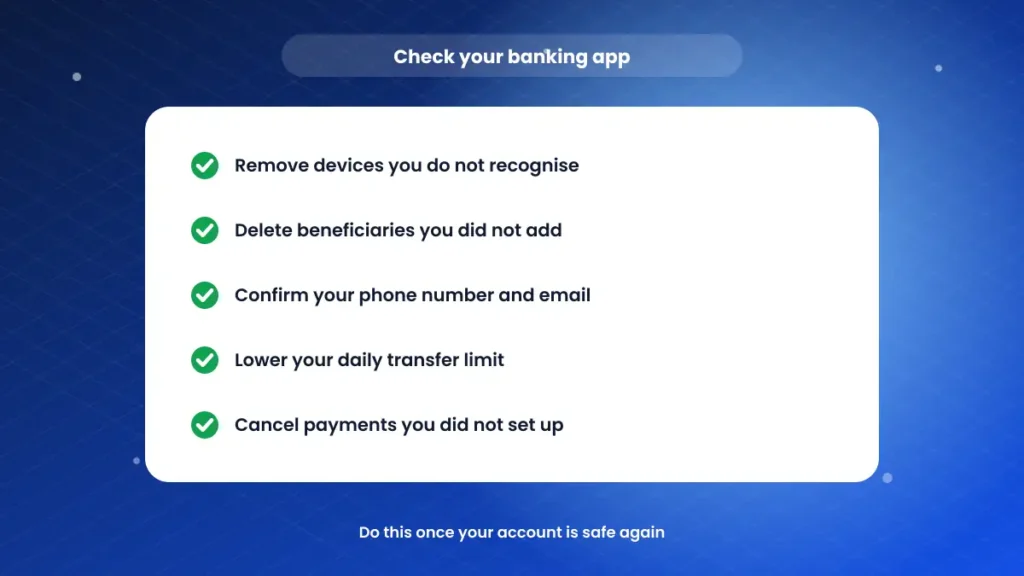
Once the account is safe, look for changes the criminal may have made to come back later. Check your banking app for:
- New devices. Remove any phone or computer you do not recognise. Our guide to device binding explains why banks now link apps to one phone.
- New beneficiaries. Delete any saved recipient you did not add.
- Changed contact details. Make sure the phone number and email on your profile are yours.
- Changed limits. Lower your daily transfer limit if someone raised it.
- Standing orders. Cancel any scheduled payment you did not set up.
Watch out for recovery scams
After a hack, scammers often target the same victim again. For example, someone may call Customer 1, claim to be from the bank or the police, and promise to recover the money for a fee. Similarly, others ask for your PIN or OTP to “reverse” the transfer.
A real bank or police officer will never ask for your PIN, password, or OTP. Likewise, no genuine recovery service asks for money up front. If in doubt, hang up and call your bank on its official number. Our guide on how to recognise a phishing message covers other warning signs.
How to stop your bank account being hacked again
When the dust settles, find out how the criminal got in. For instance, common routes include phishing links, fake websites, shared PINs, and SIM swaps. Then close each gap:
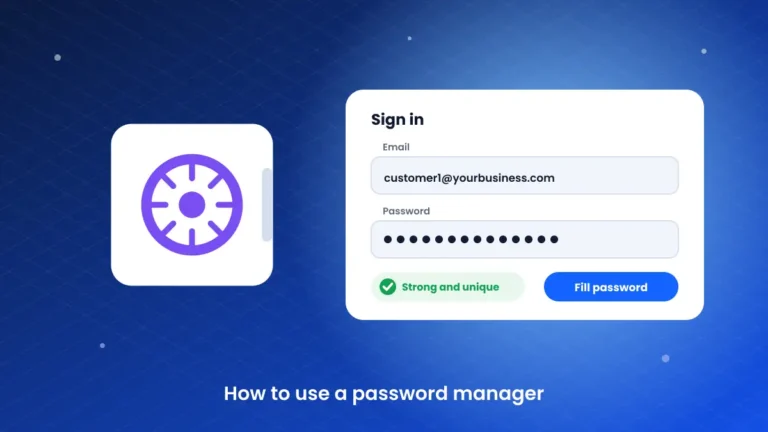
- Use a strong, unique password for your banking app and email.
- Use in-app approval or an authenticator app instead of SMS codes where you can.
- Avoid banking on public Wi-Fi, and never log in on a shared phone.
- Set a sensible daily transfer limit.
- Save your bank’s emergency code in your contacts today.
Our guide on how to protect your bank account online covers 12 habits in more detail.
Frequently asked questions
What is the first thing to do if my bank account is hacked?
Block the account straight away with your bank’s emergency code or the freeze option in its app. Then call the bank on the number from its official website or the back of your card.
Can my bank reverse a fraudulent transfer?
Sometimes. If you report quickly, your bank can contact the receiving bank, which may hold funds that are still in the account. However, if the money has already been withdrawn, recovery is harder.
How long does my bank have to resolve a fraud complaint?
The CBN says banks should acknowledge a complaint within 3 days and give a tracking number. If your bank has not resolved it in about 2 weeks, you can escalate to the CBN’s Consumer Protection Department.
Should I report a hacked account to the police?
Yes. A police report creates an official record. Besides, your bank may ask for one. You can report online through the Nigeria Police Force’s cybercrime platform.
Will the bank ask for my PIN to fix the problem?
No. Your bank will never ask for your PIN, password, or OTP. Anyone who asks for them is a scammer, even if they say they are from the bank.
Key takeaways if your bank account is hacked
- Block your account and cards first, then call your bank on its official number.
- Secure your SIM, email, and passwords from a device you trust.
- Report to your bank for a tracking number, then escalate to the CBN if it is not resolved.
- Report the crime to the police cybercrime centre, and keep all your evidence.
- Ignore anyone who offers to recover your money for a fee or asks for your PIN.
Want to stay safer online? Read how to spot a fake bank alert and how to identify a fake website, or browse all our cybersecurity guides.